
Press kit
Logos, screenshots, boilerplates, and the fastest way to reach us. Use anything below freely for editorial coverage.
Product
SplitRig, dual-camera recording app for iPhone. Up to 4K at 30 fps on the rear camera (supported iPhones), 60 fps at 1080p in Action Cam, HEVC.
Current version
v1.1.11
Launched
March 2026
Downloads
42,000+ since launch (March 2026)
Platforms
iOS 26+ (iPhone 11 and later). watchOS companion. AirPods Camera Remote (iOS 26, H2 chip).
Pricing
Free, every feature included. No in-app purchases. No ads. No accounts. No time limit.
App Store
apps.apple.com/app/splitrig/id6759218152
Website
splitrig.com
Built in
Tokyo, Japan

App screenshots
High-resolution, ready for print or web.
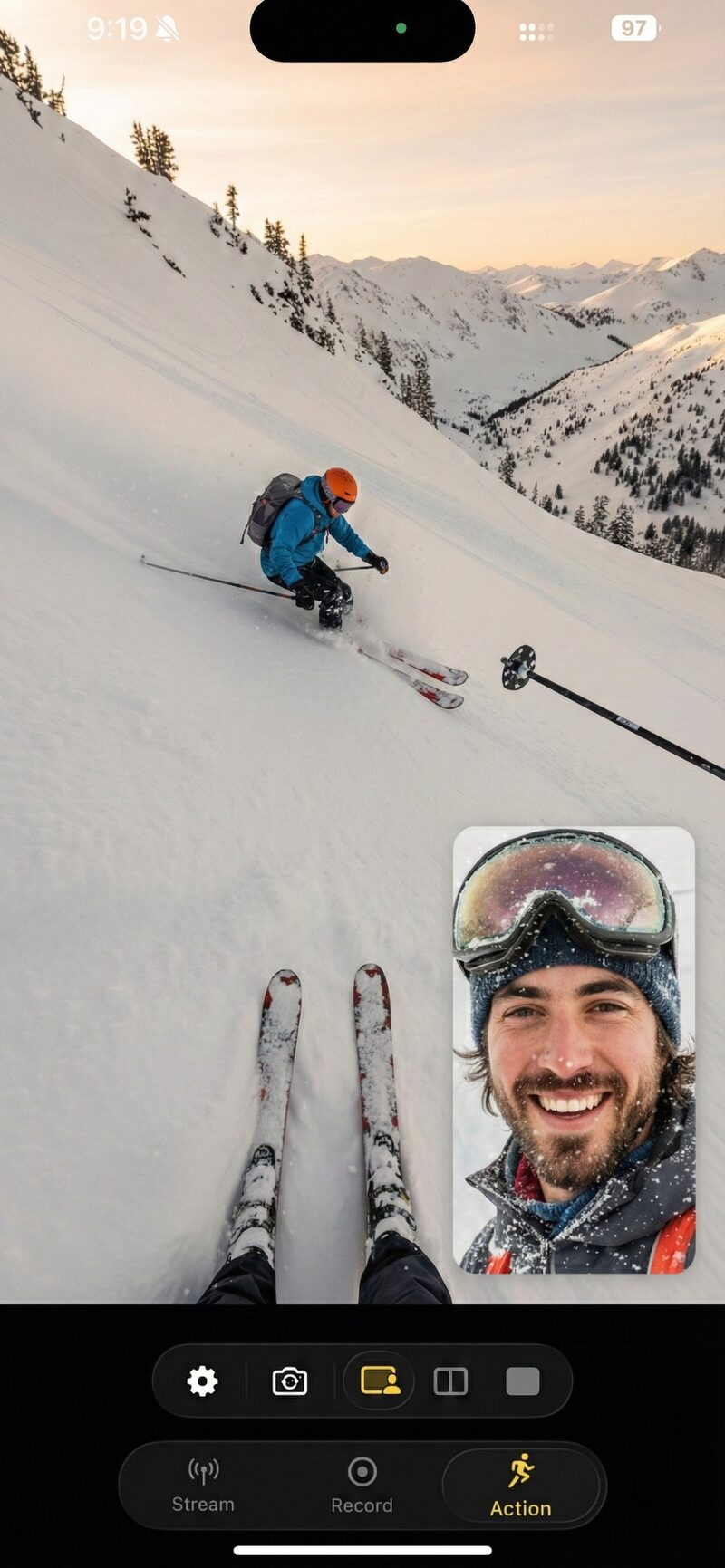
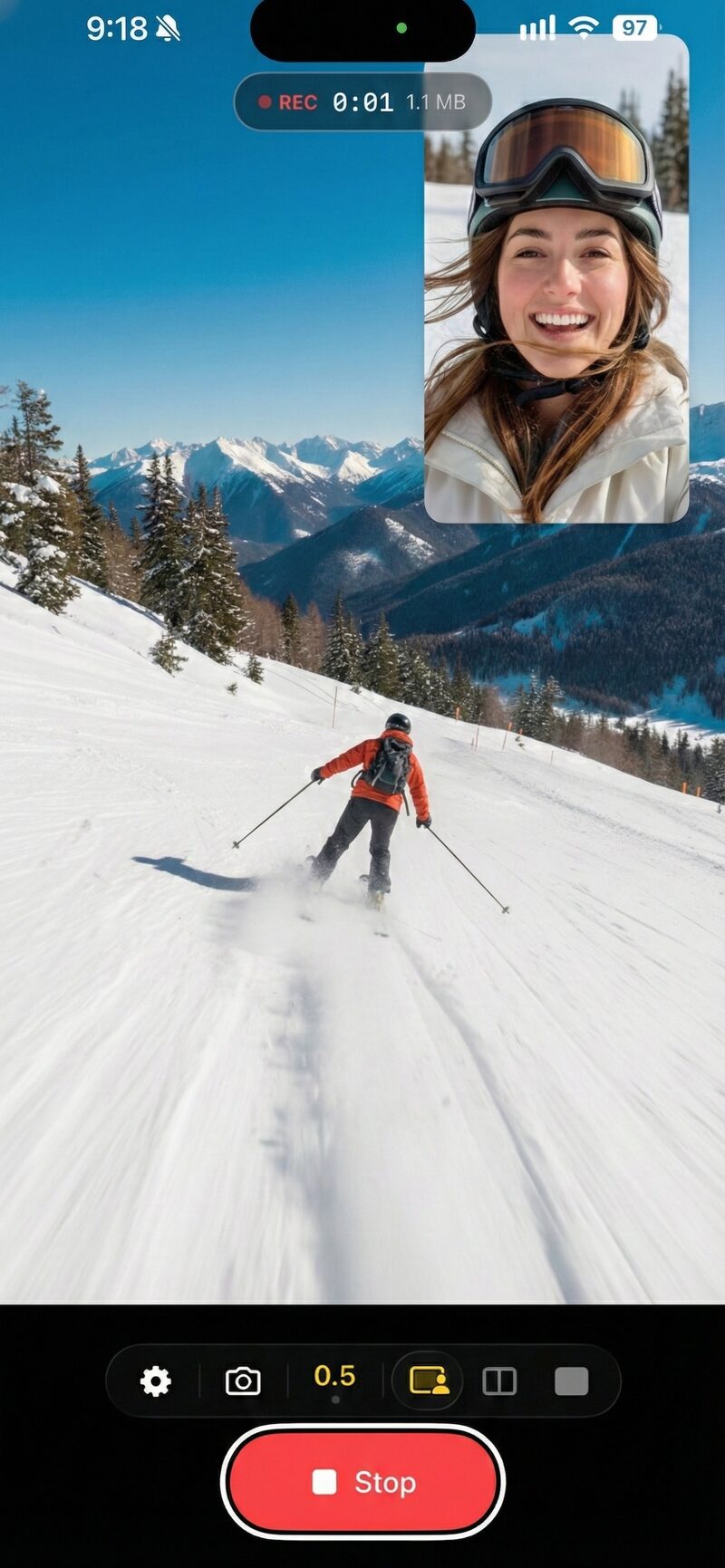
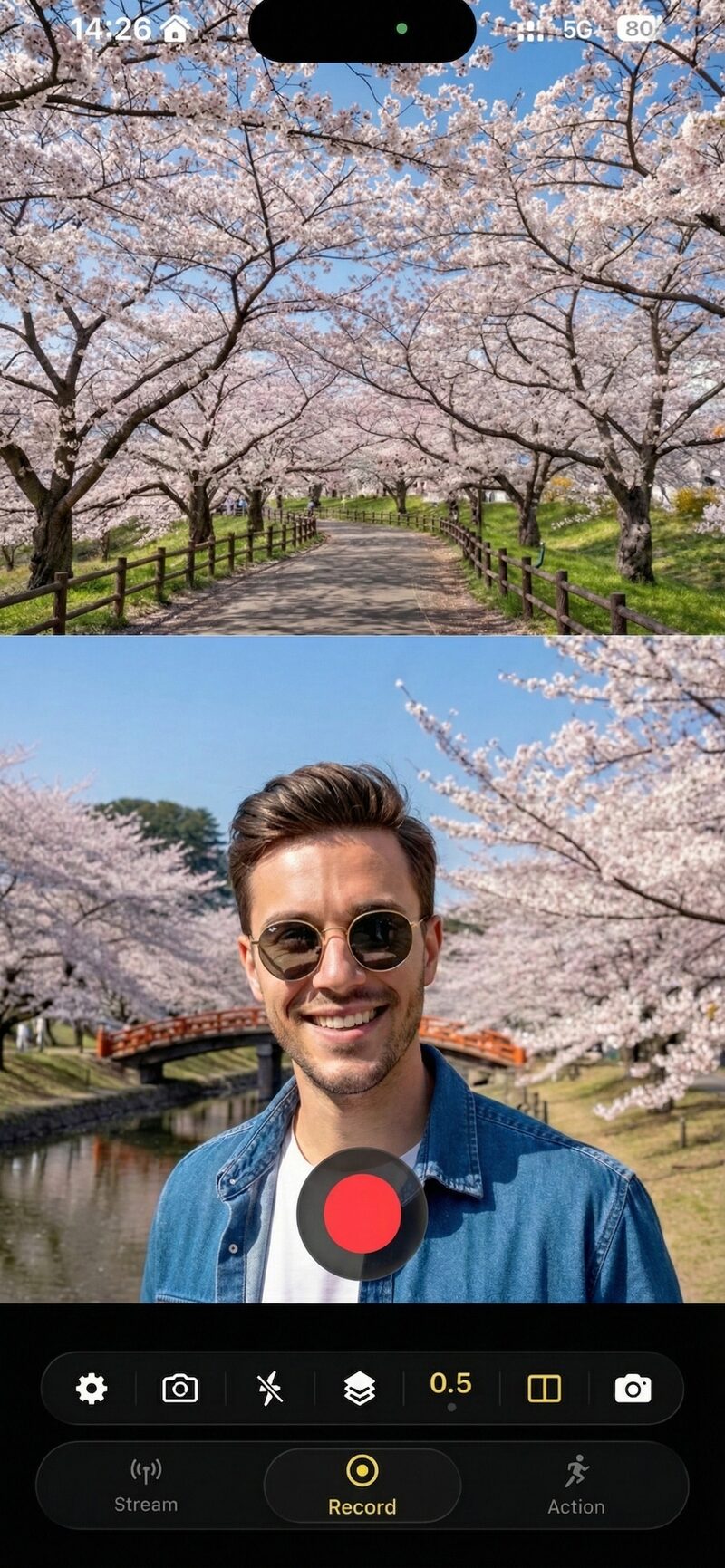
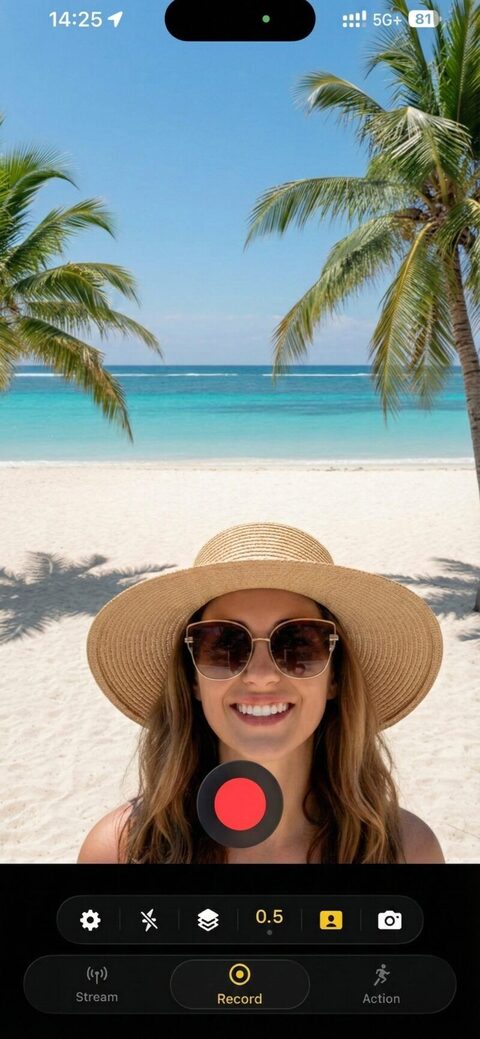
Stills from real recordings
Unedited frames from real SplitRig recordings. Free to use for editorial coverage. Tap a frame to download it in full resolution.
-
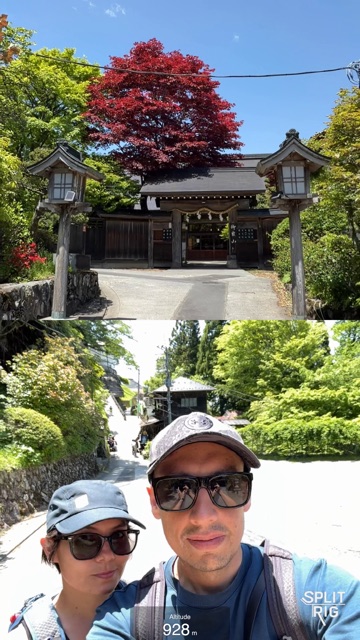
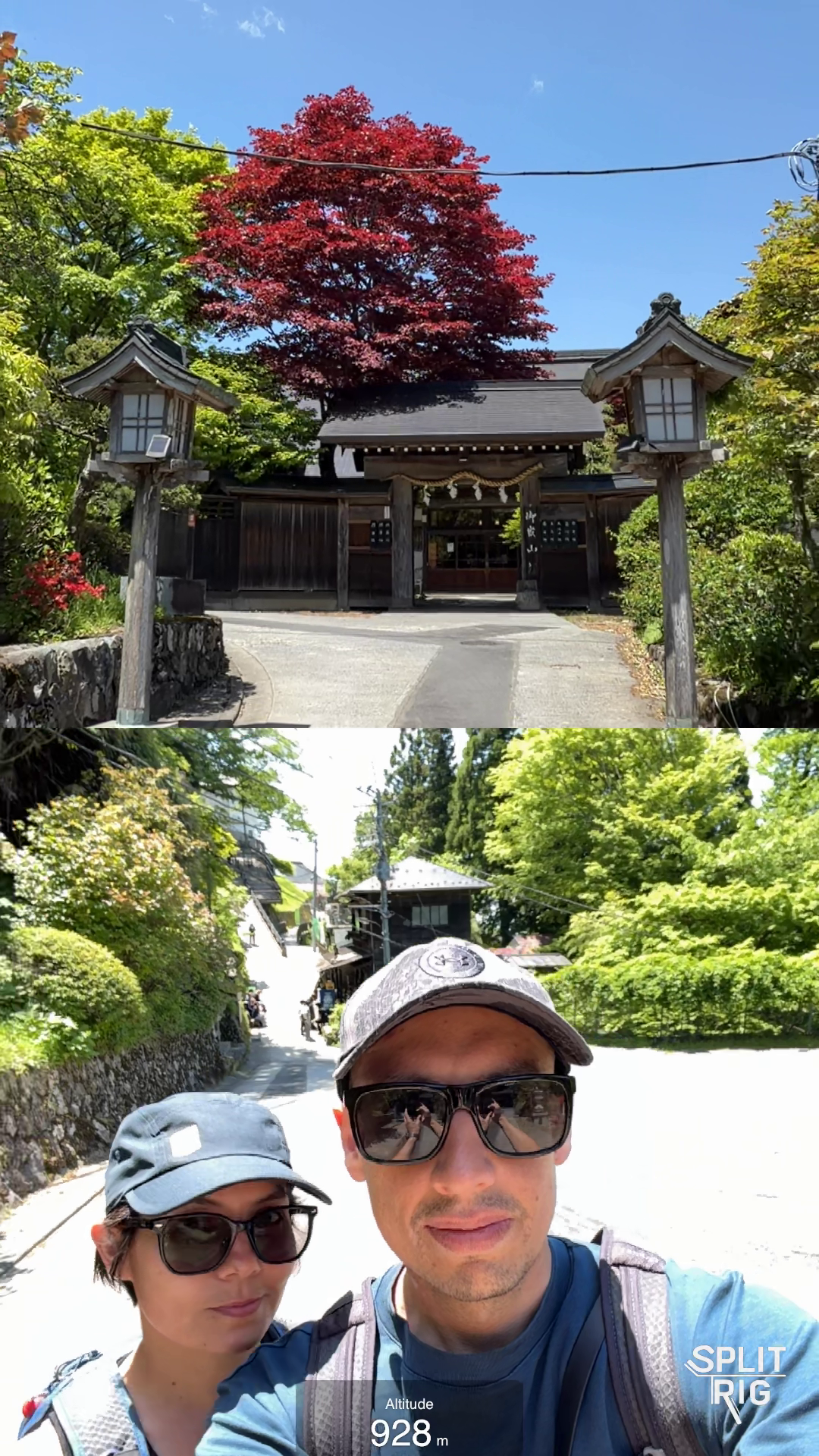
Split Screen, temple gate and couple selfie with live 928 m altitude overlay. Japan.
-
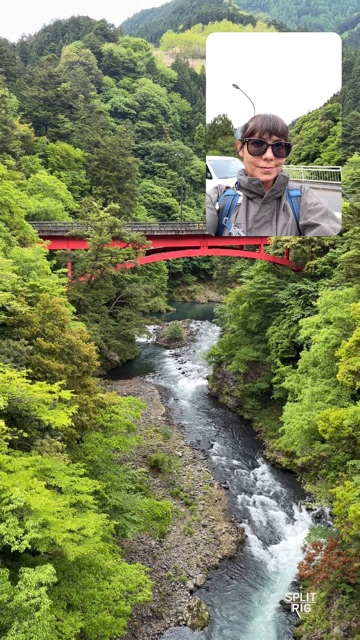
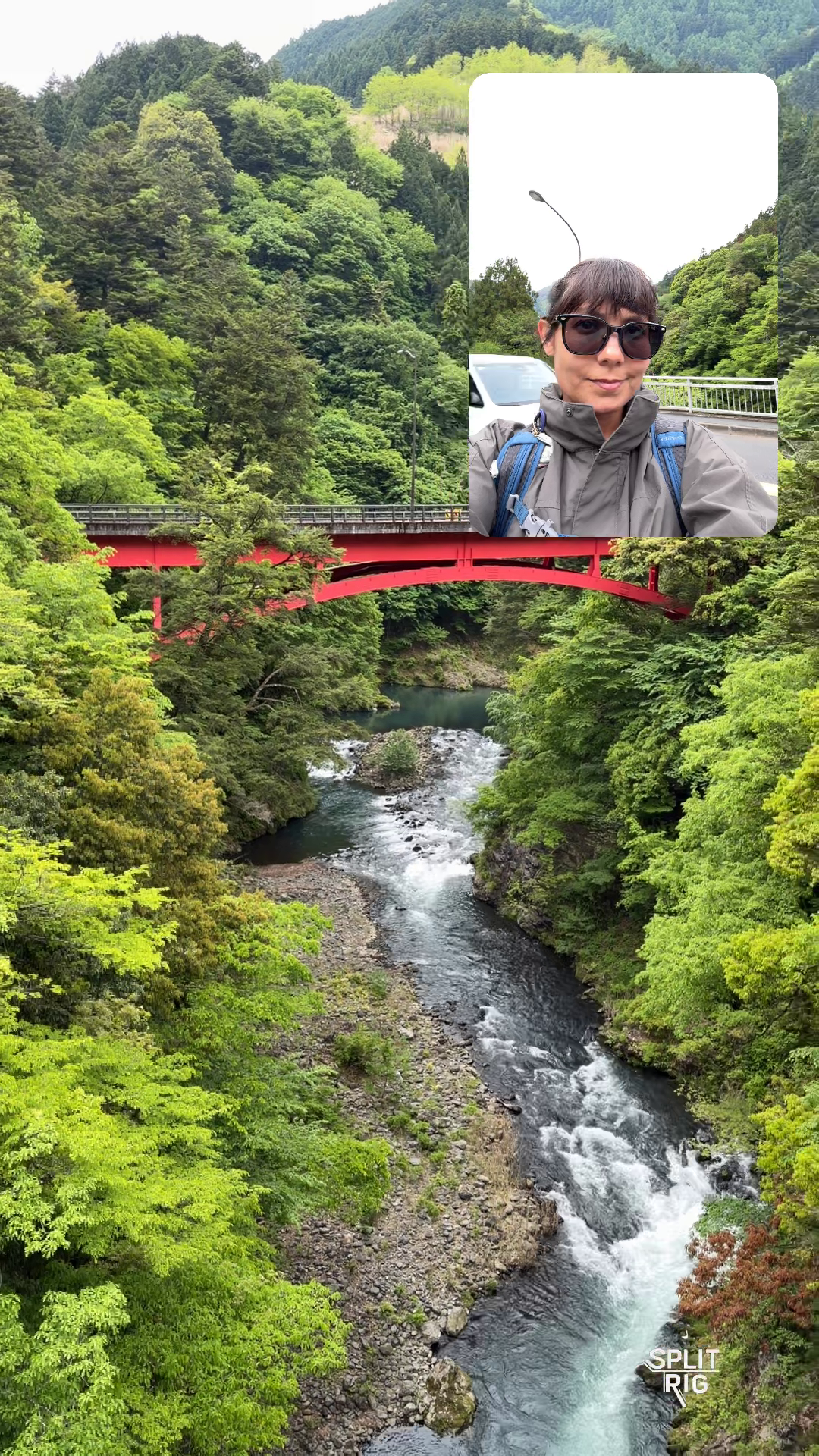
Picture in Picture, red bridge over a forest gorge with founder inset.
-
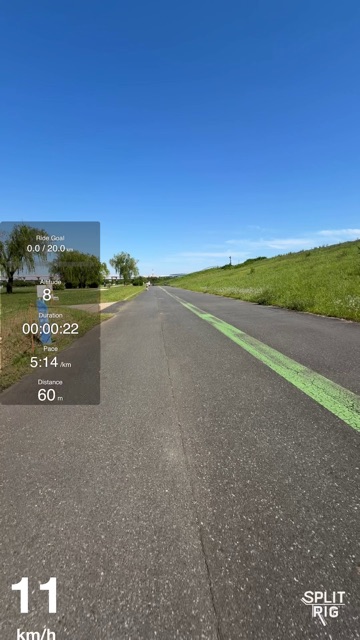
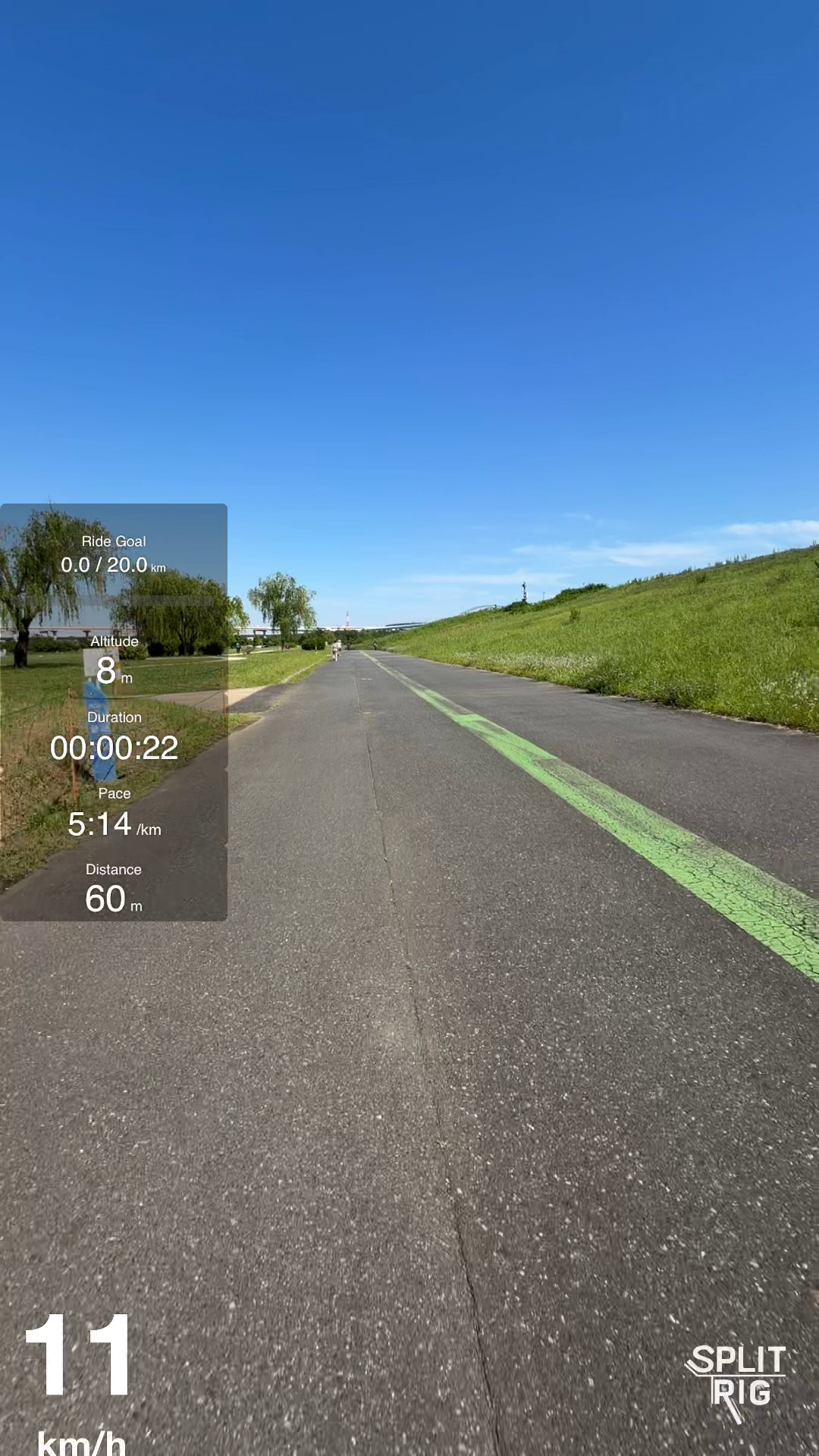
Single Camera with full fitness widget stack on a riverside cycling path.
-
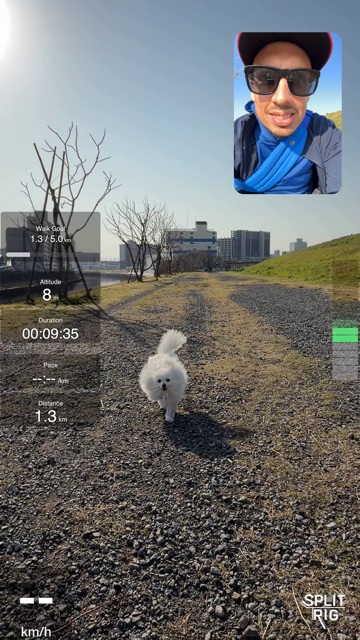
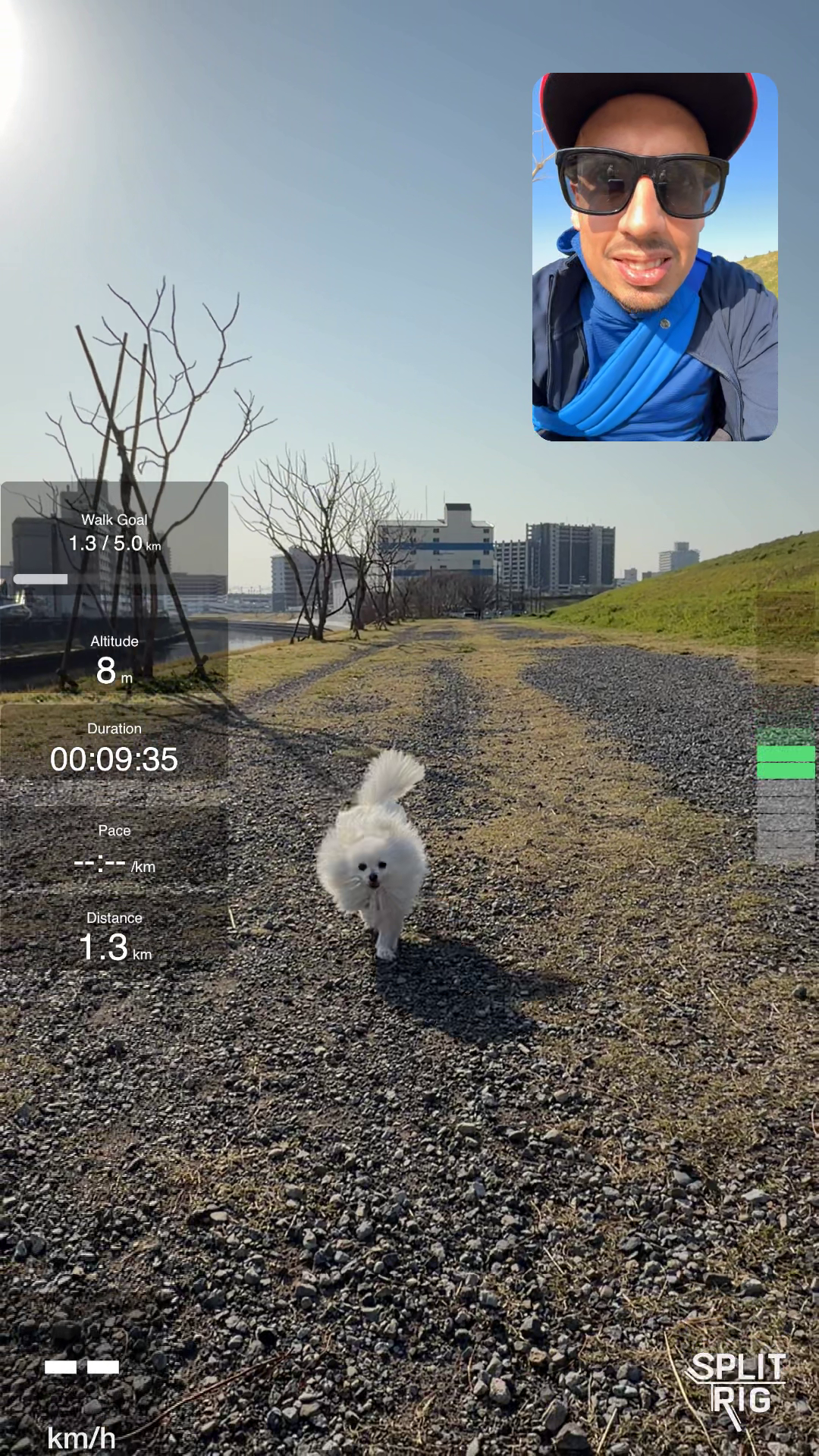
Picture in Picture with walk widgets, Pomeranian running toward the camera.
-
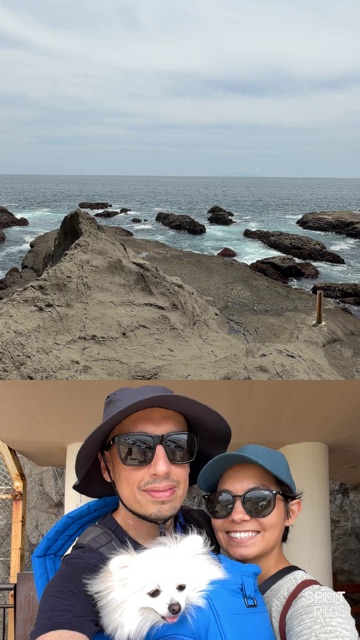
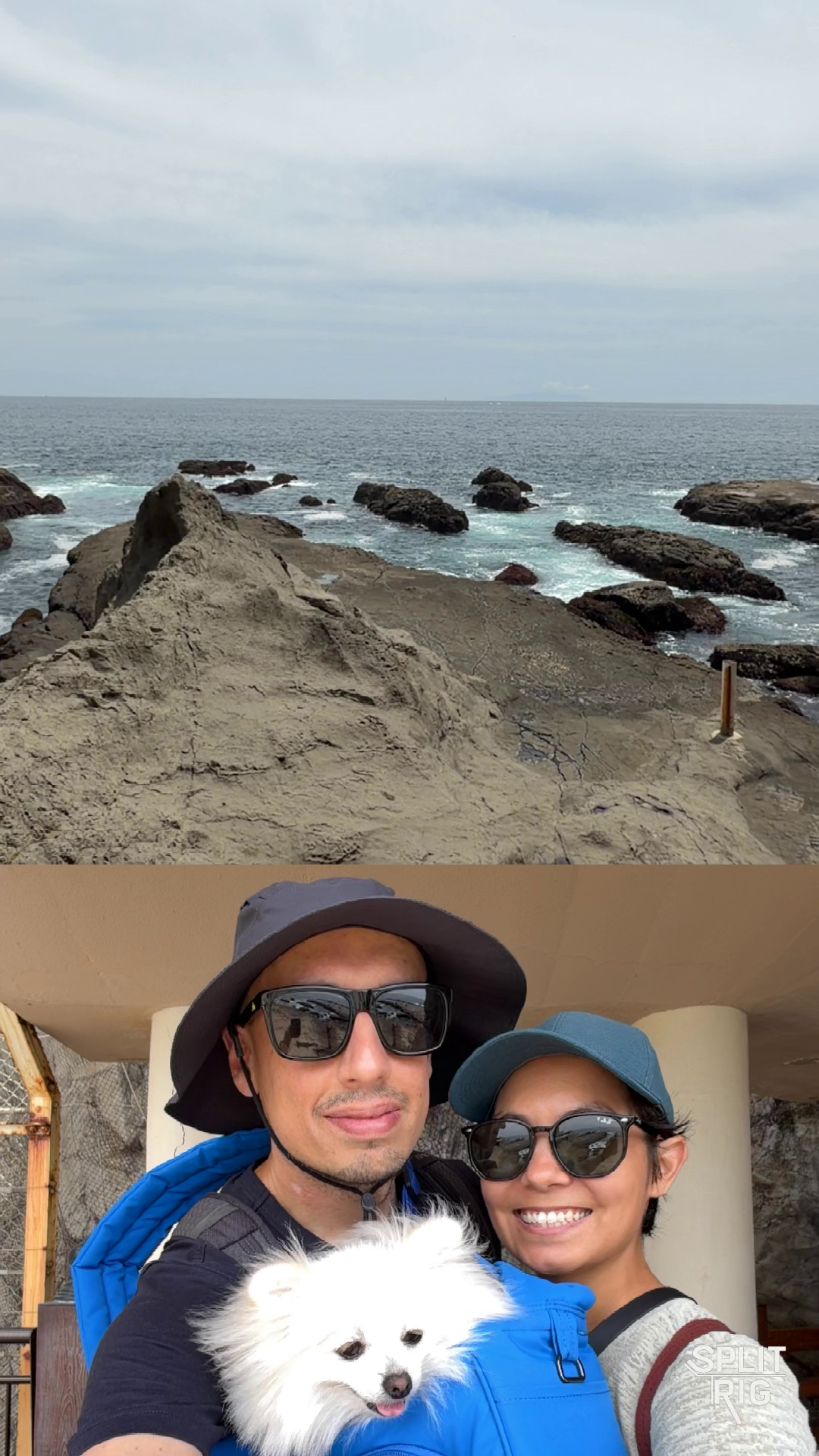
Split Screen, rocky Pacific coast above, couple with Pomeranian below.
-
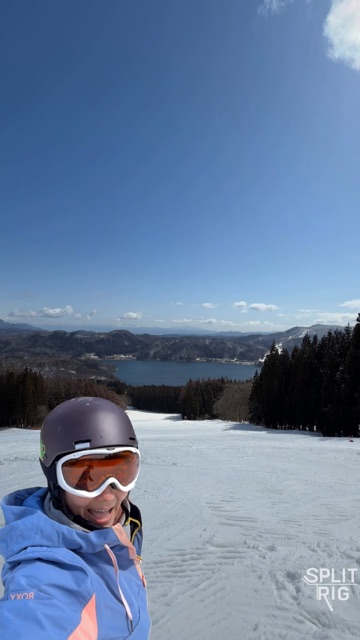
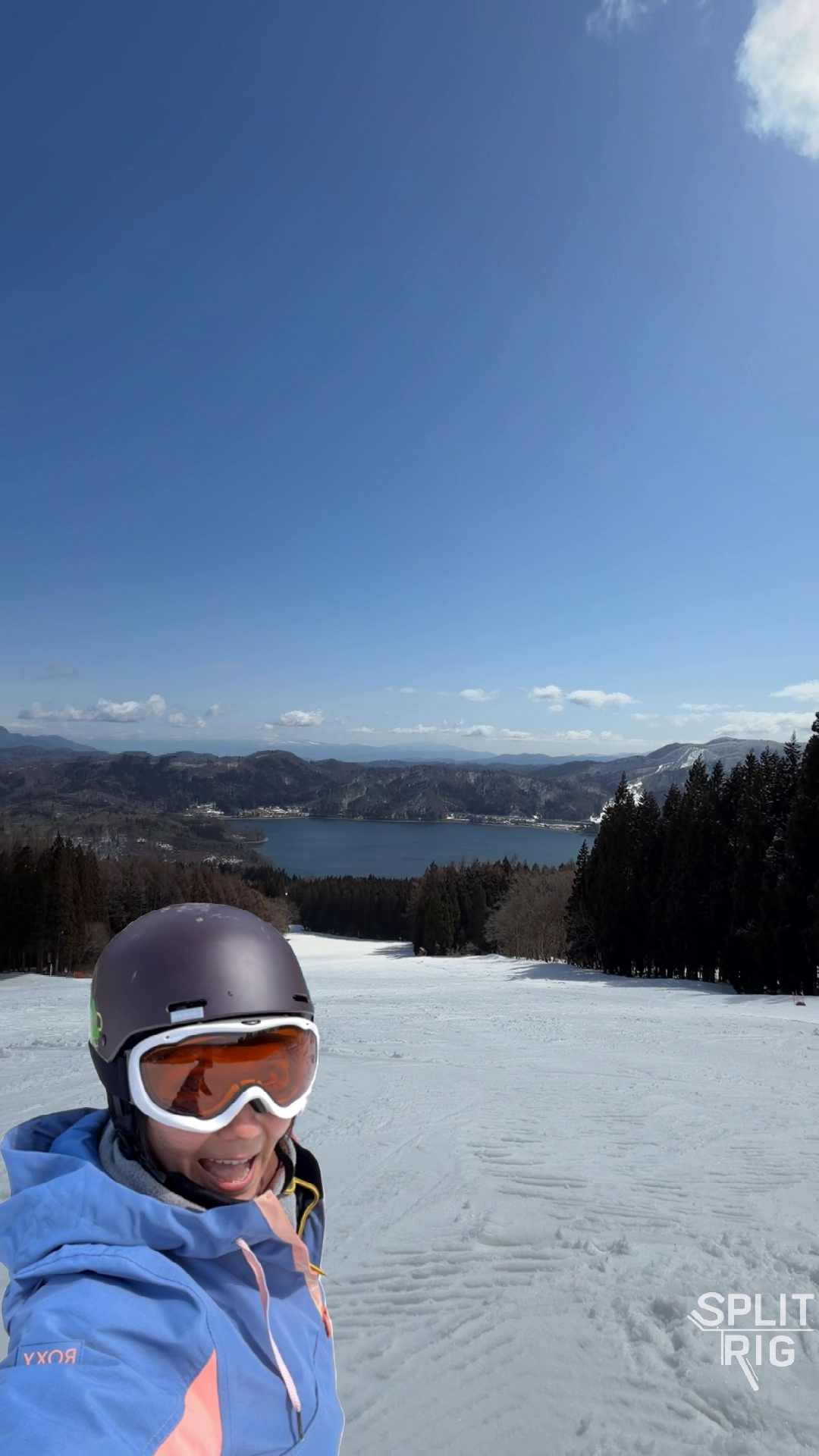
Face Mode cutout, snowboarder laughing on a frozen-lake piste.
-
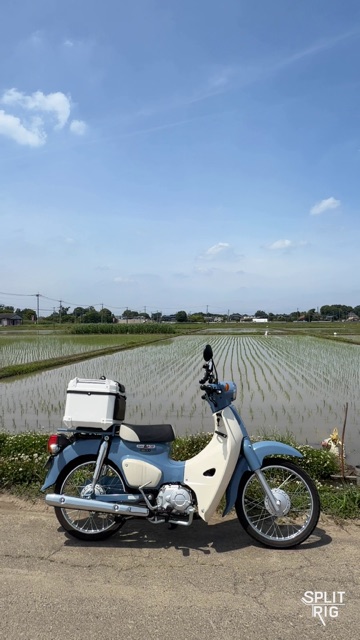
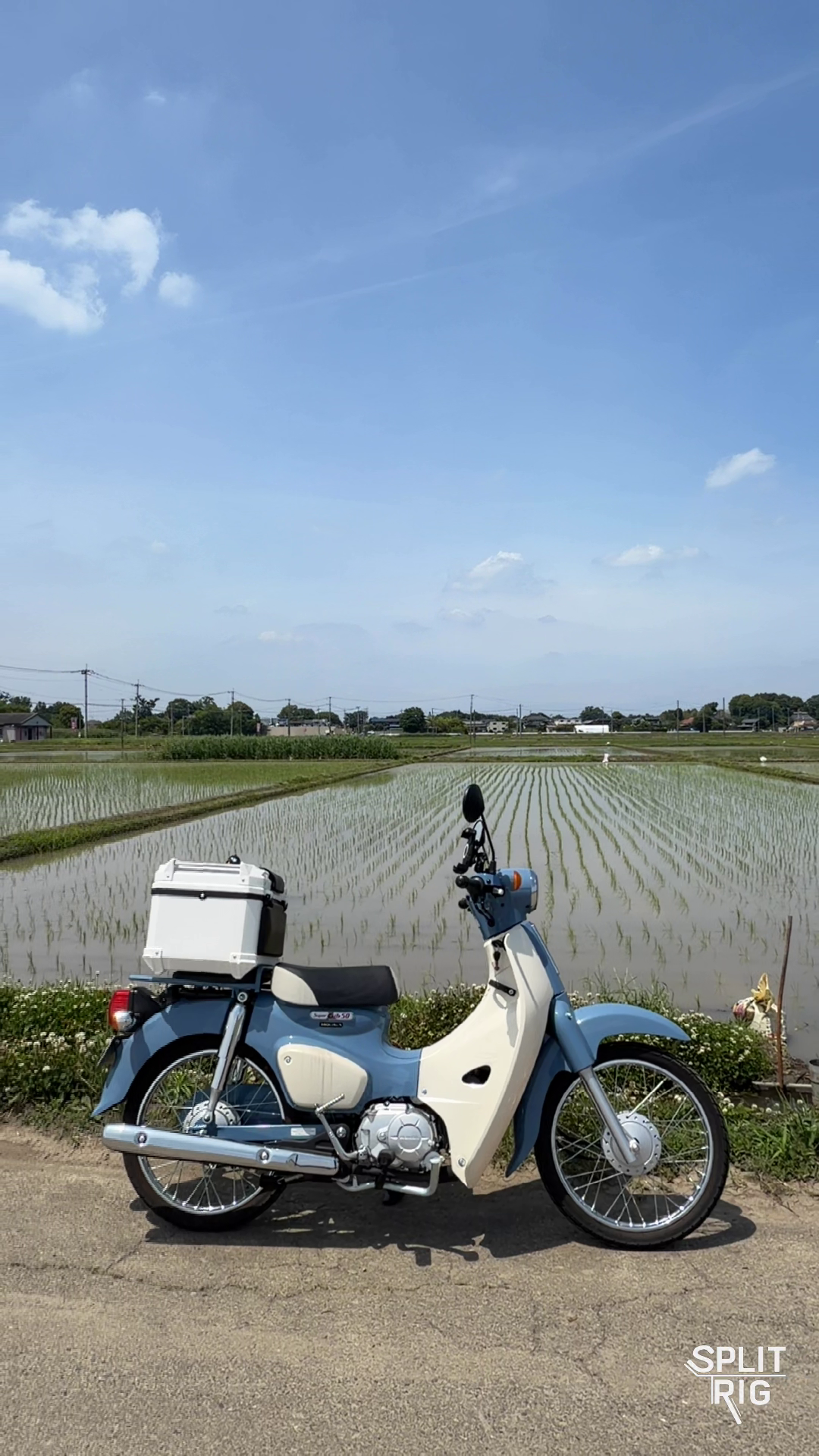
Rear camera, powder-blue Super Cub beside flooded rice paddies.
-
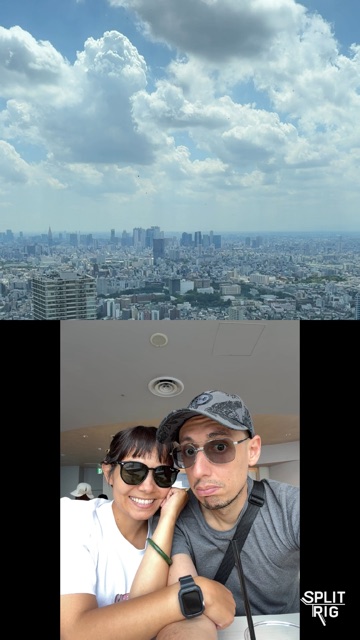
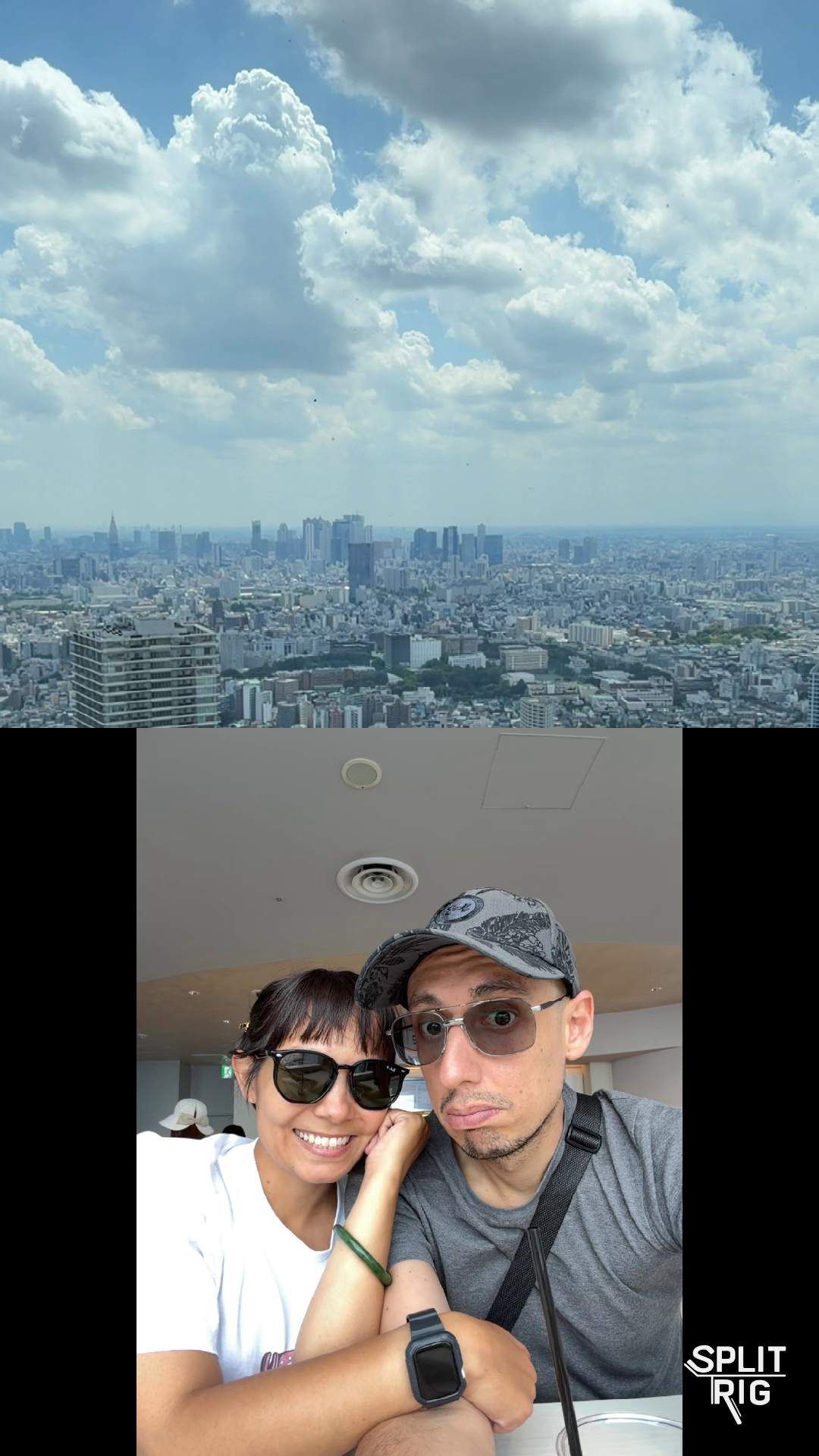
Split Screen, Tokyo skyline from an observation window above, couple at a cafe below.
-
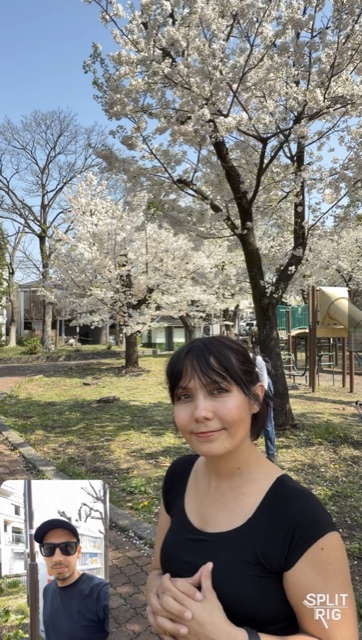
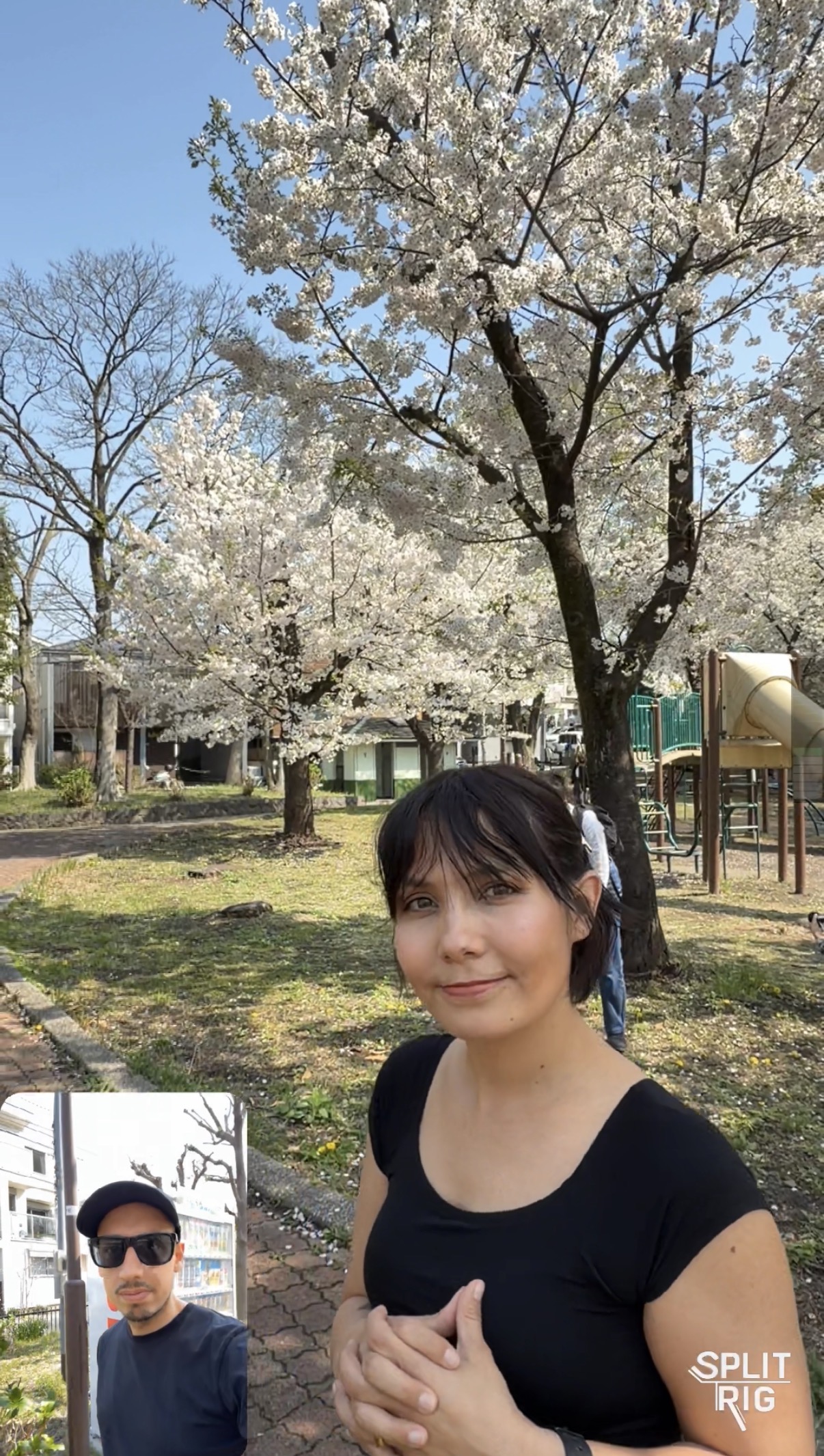
Picture in Picture under cherry blossoms, founder close-up in a spring park.
-
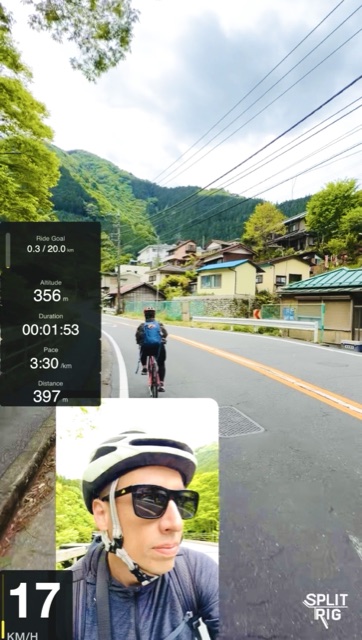
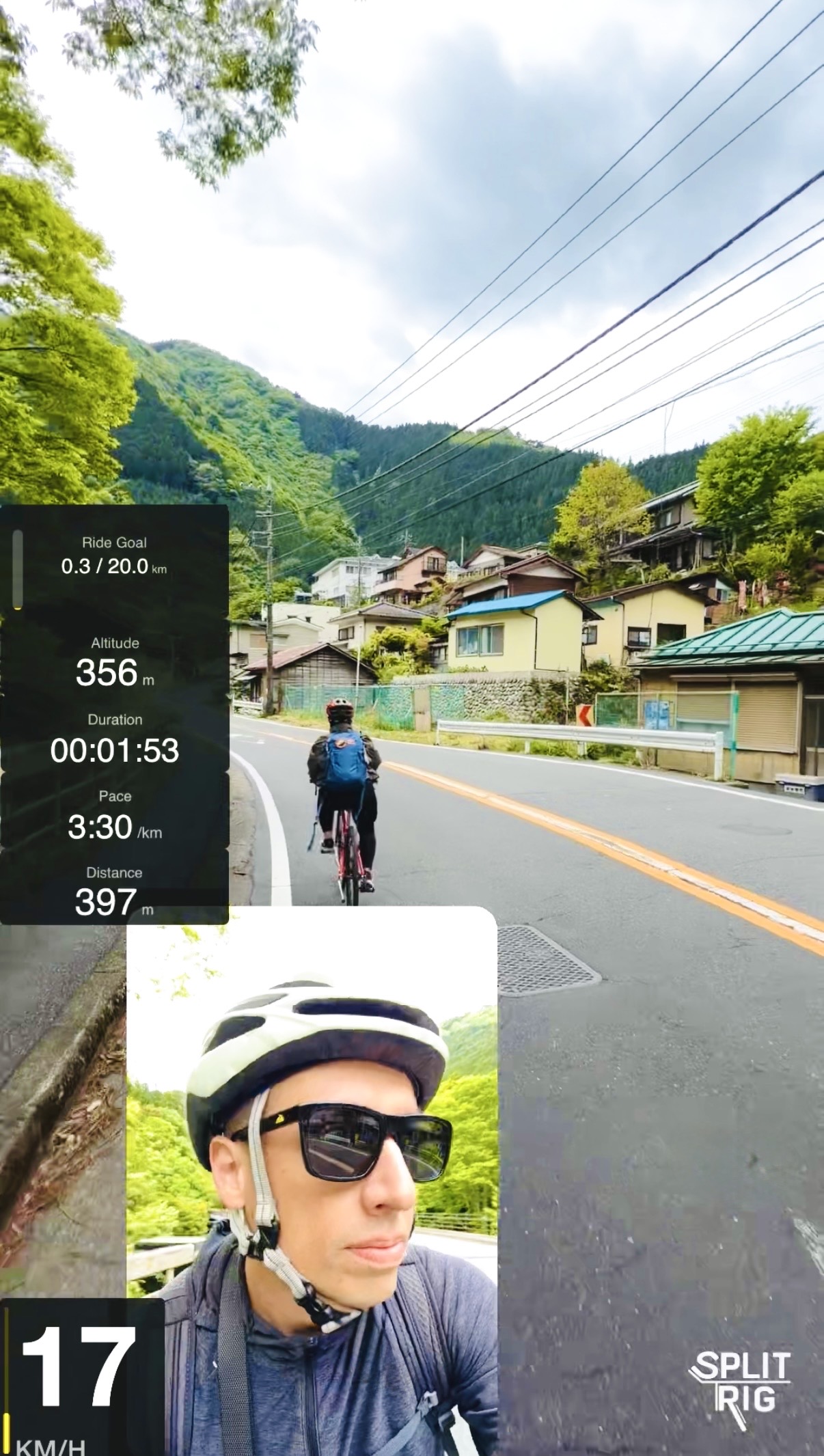
Picture in Picture with full widget stack at 17 km/h, mountain-village road ride.
Promo flyer
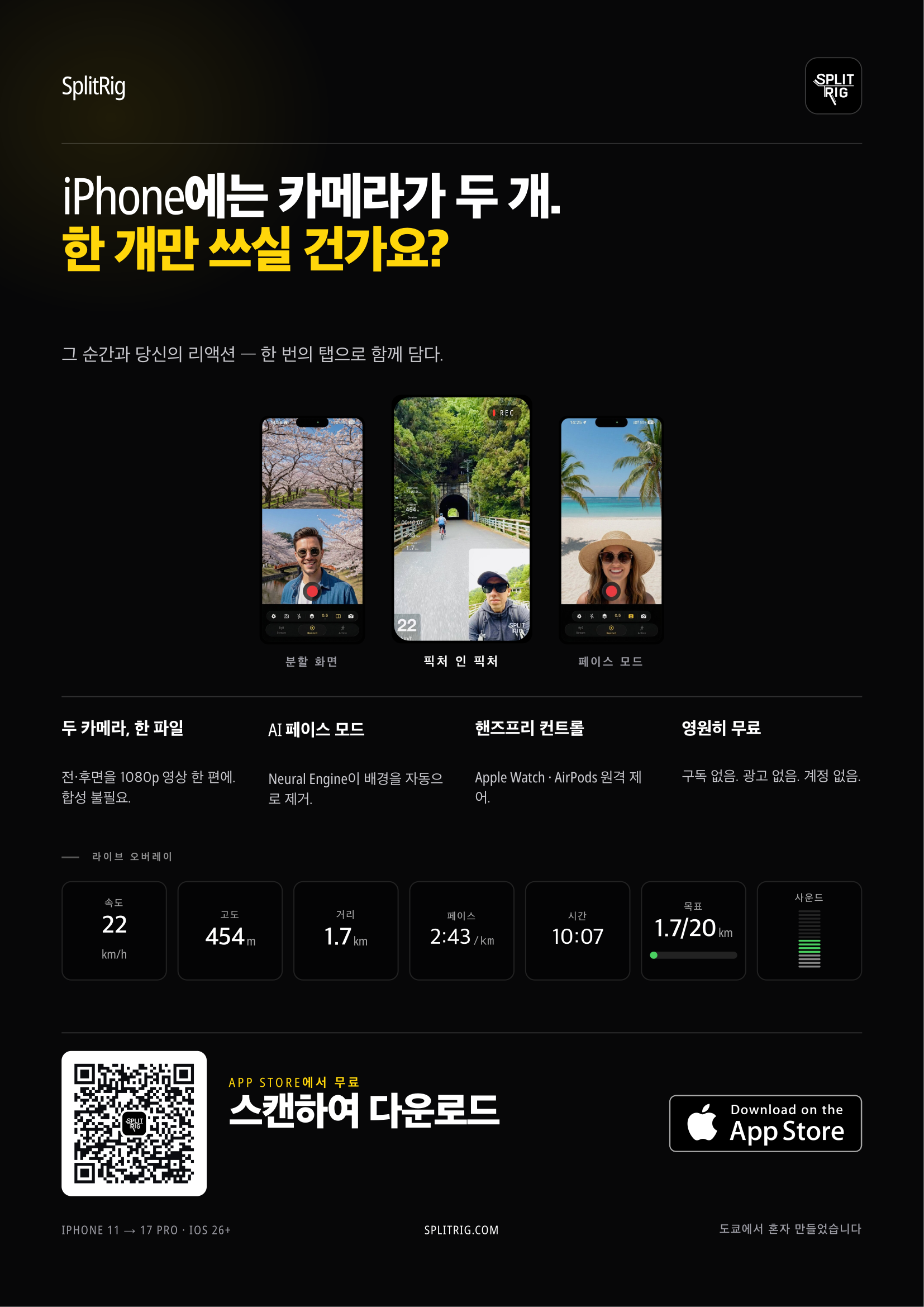
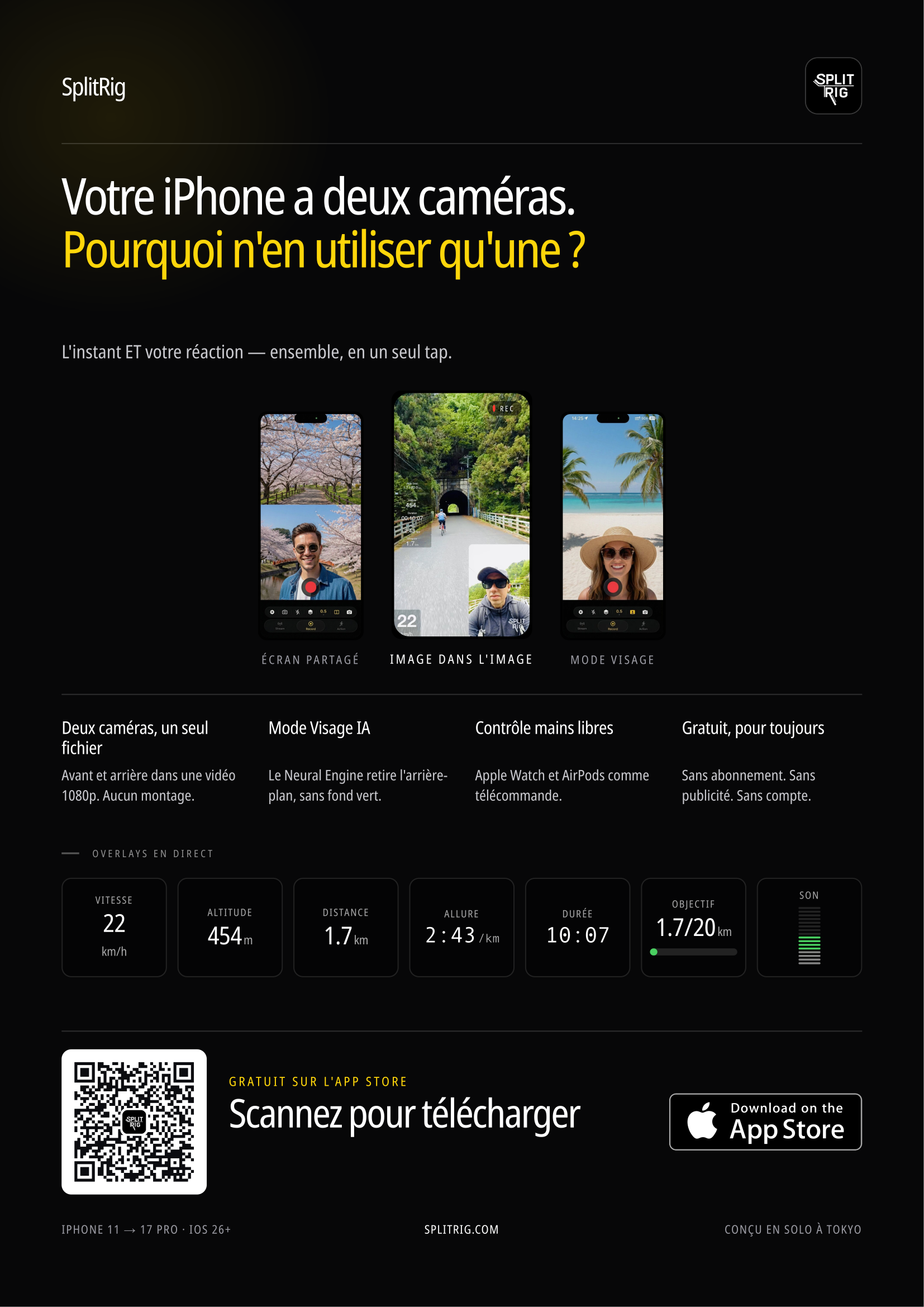
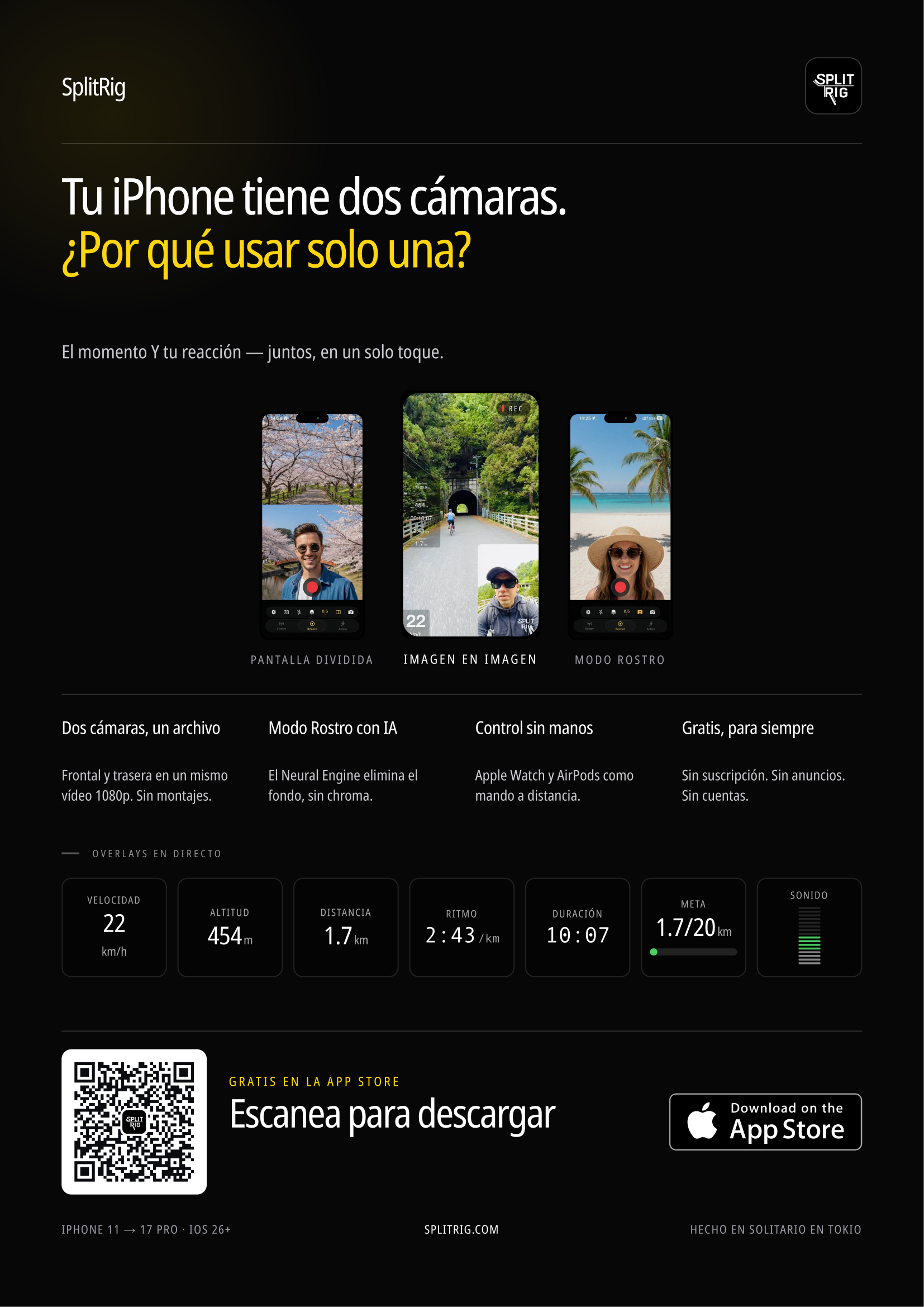
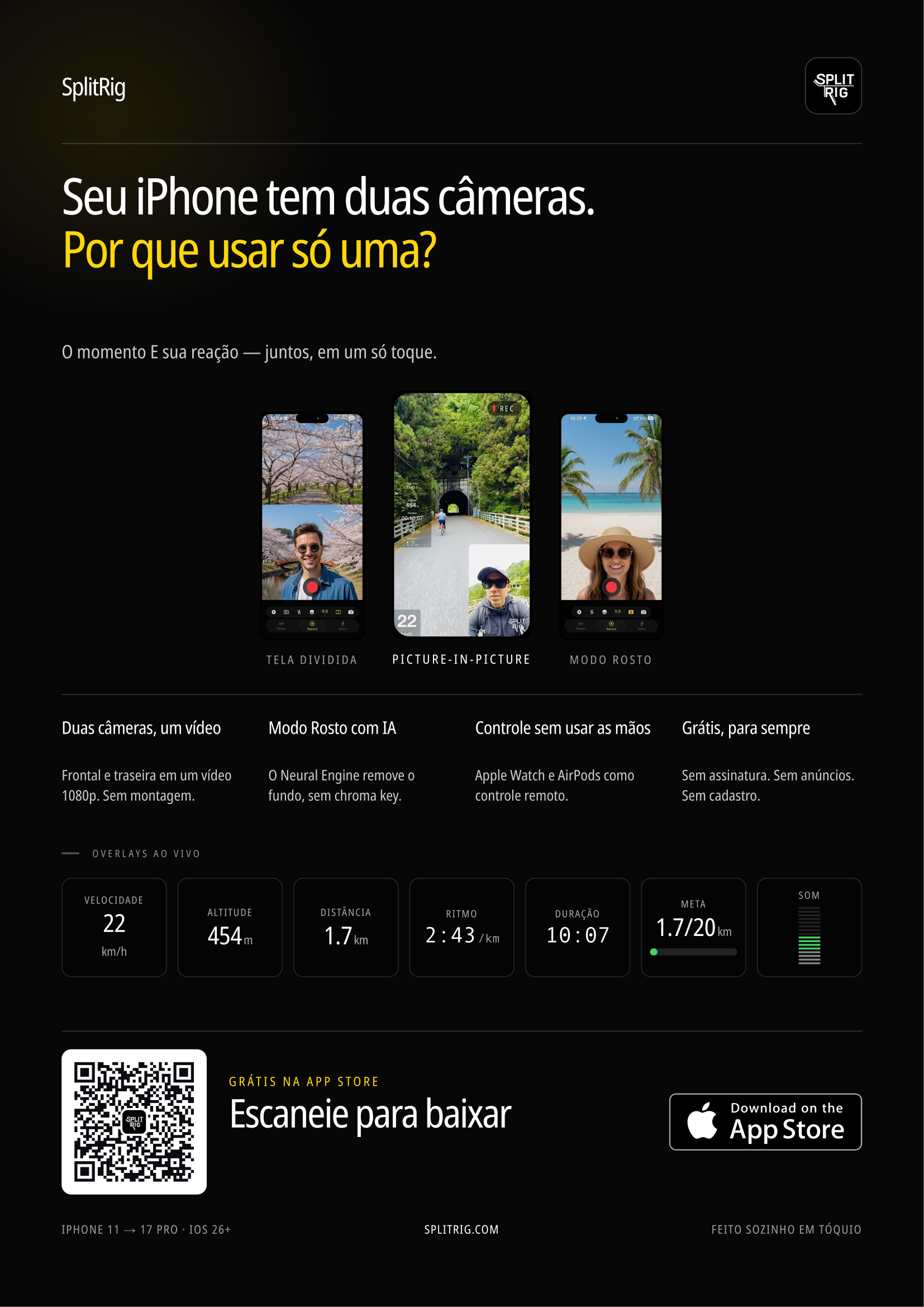
Print, post, and share. Built for community boards, cafés, events, anywhere a creator might be looking. QR scans straight to the App Store.
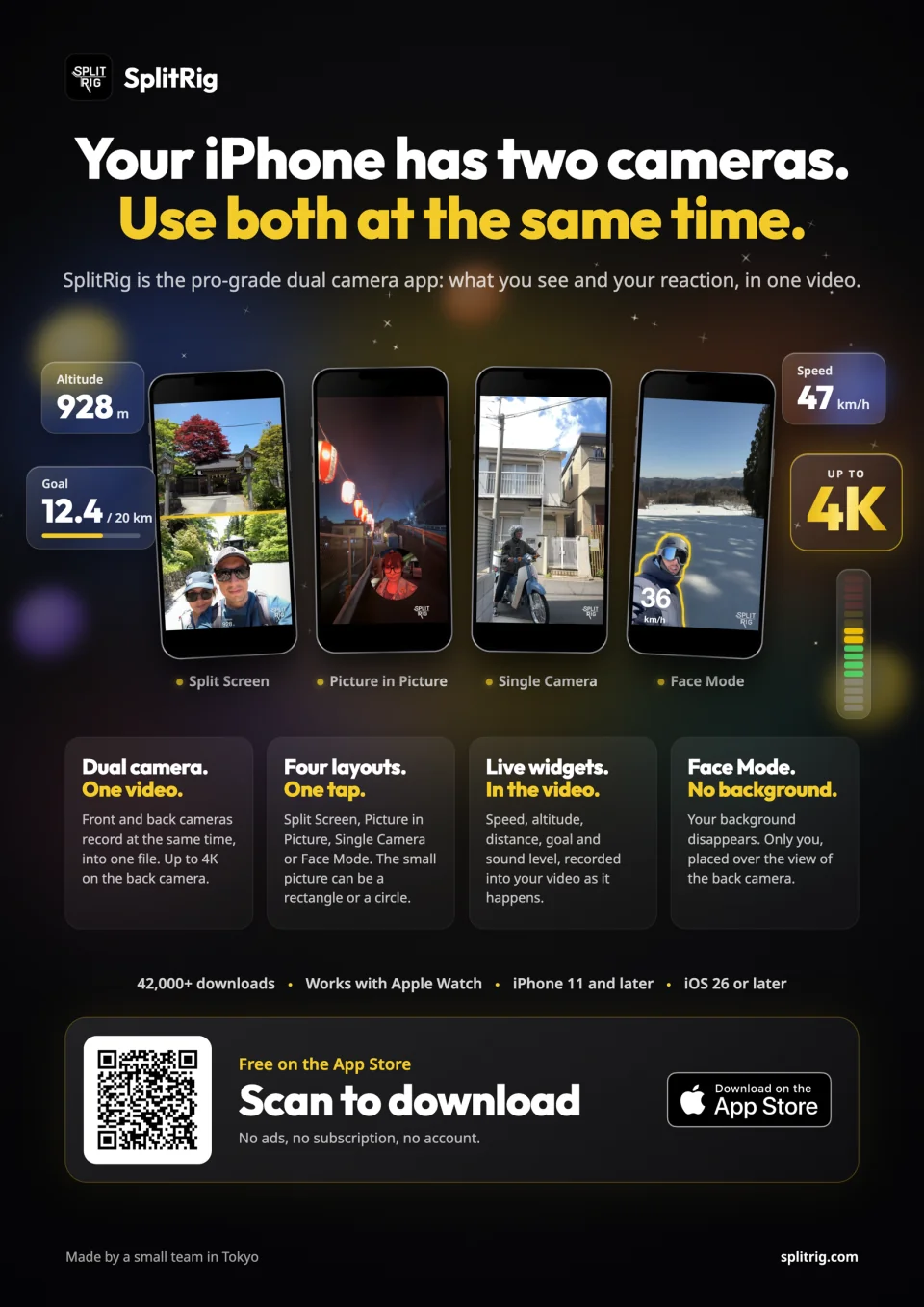
English flyer · A4 portrait
QR to the App Store · the four layouts · live widgets · dark and white versions
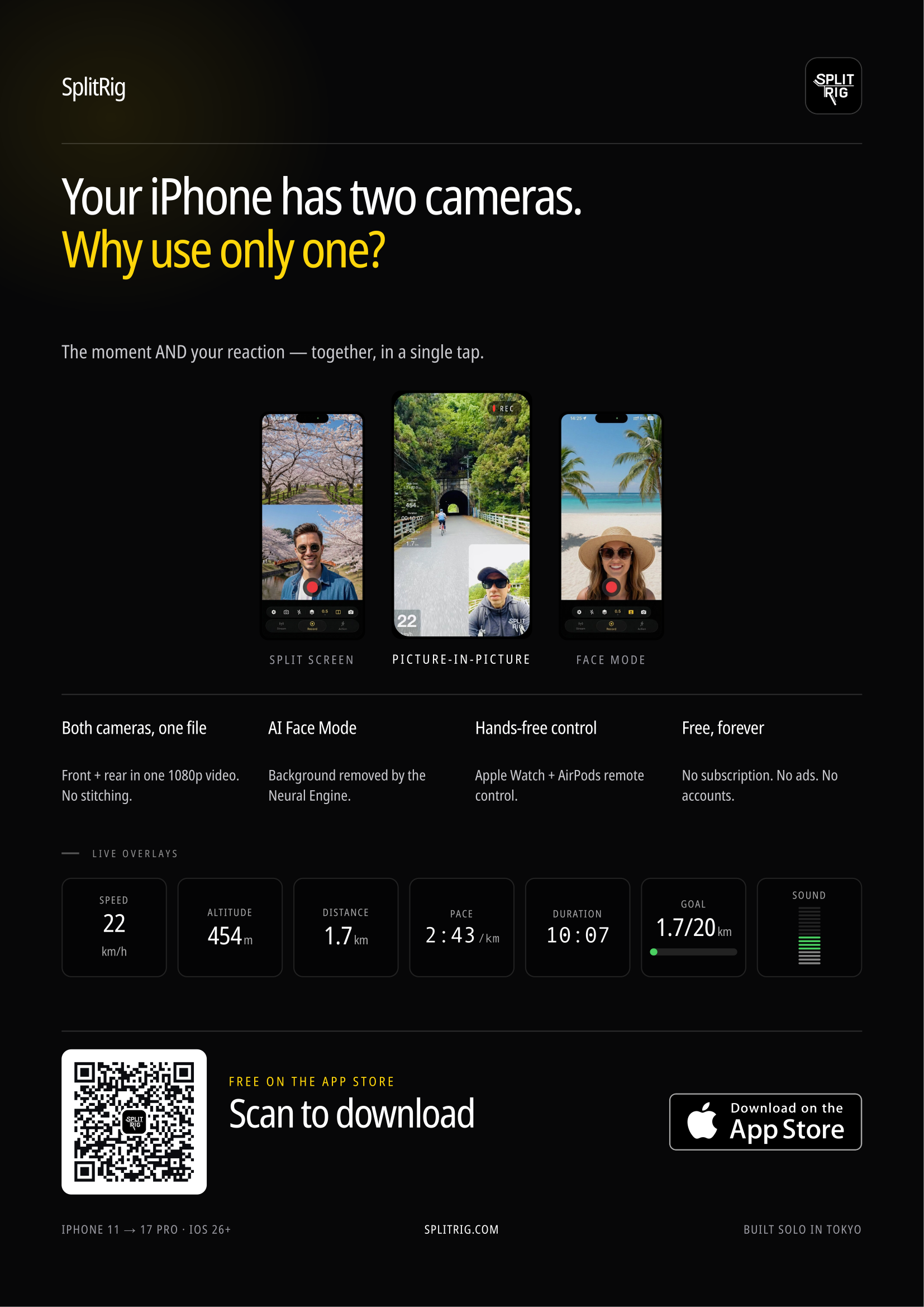
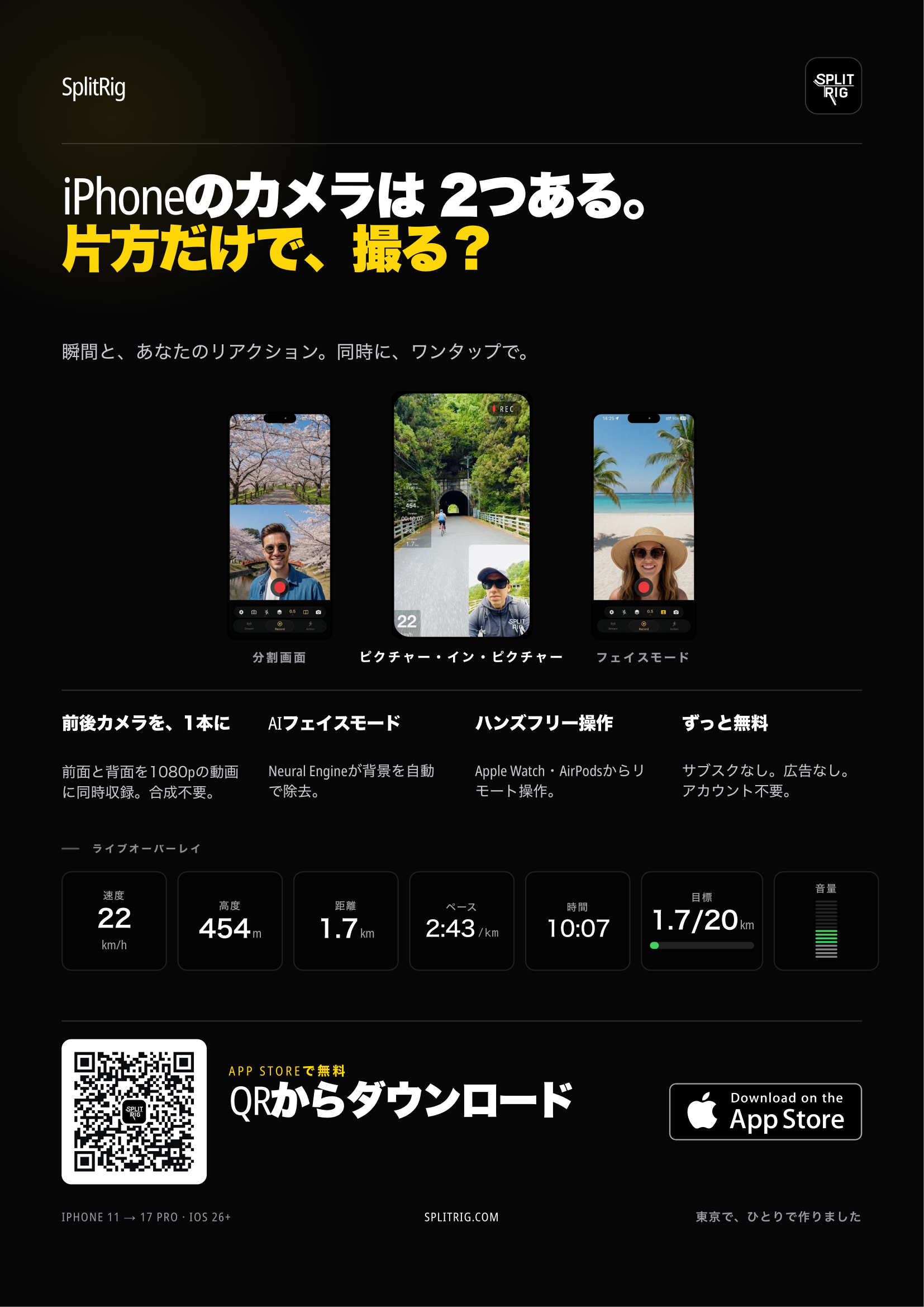
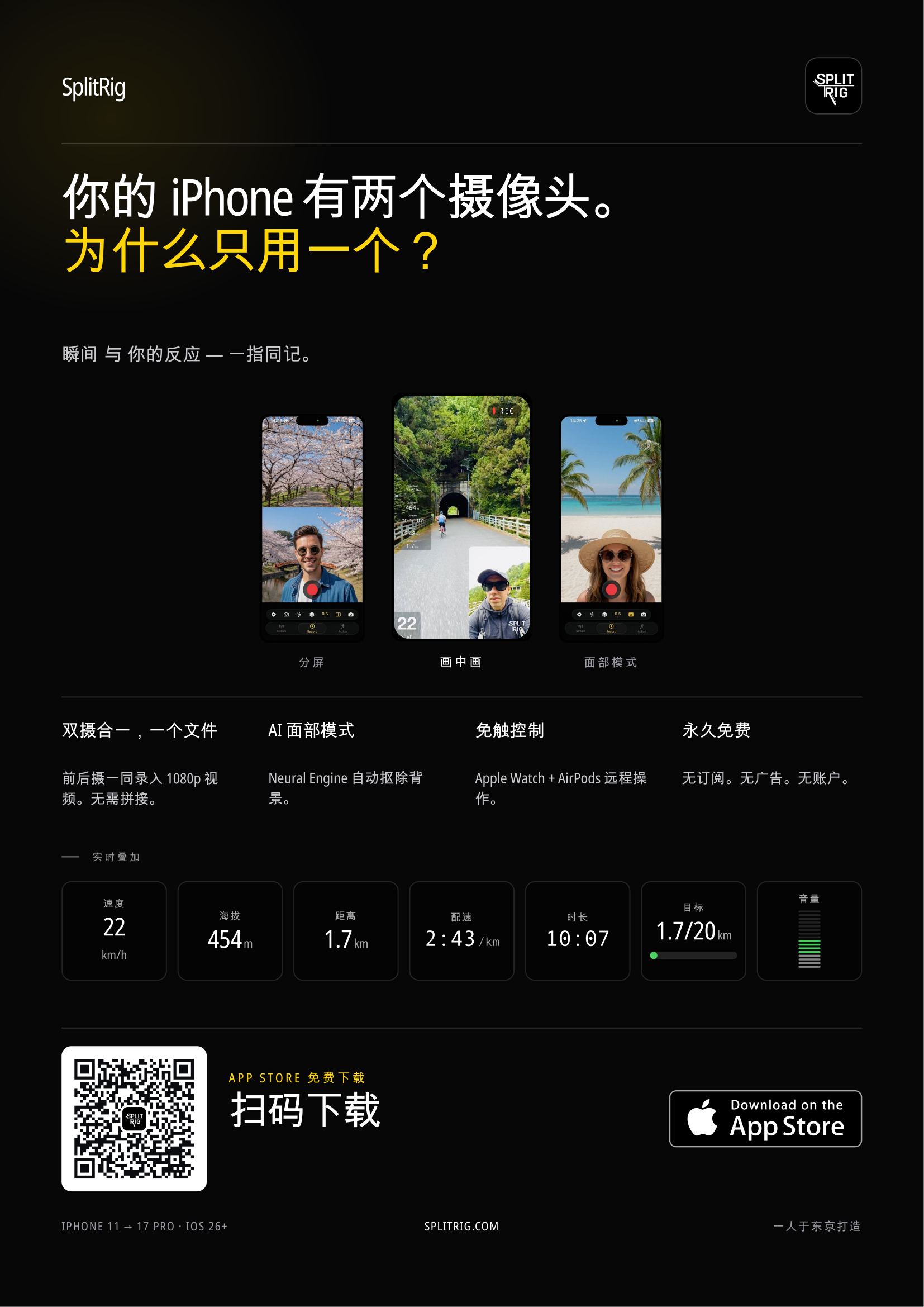
In 10 languages
The same flyer in every language. Pick yours below.
All languages
- English English
- 日本語 Japanese
- 简体中文 Simplified Chinese
- 한국어 Korean
- Français French
- Español Spanish
- Português Brazilian Portuguese
- Türkçe Turkish
- العربية Arabic
- Tiếng Việt Vietnamese
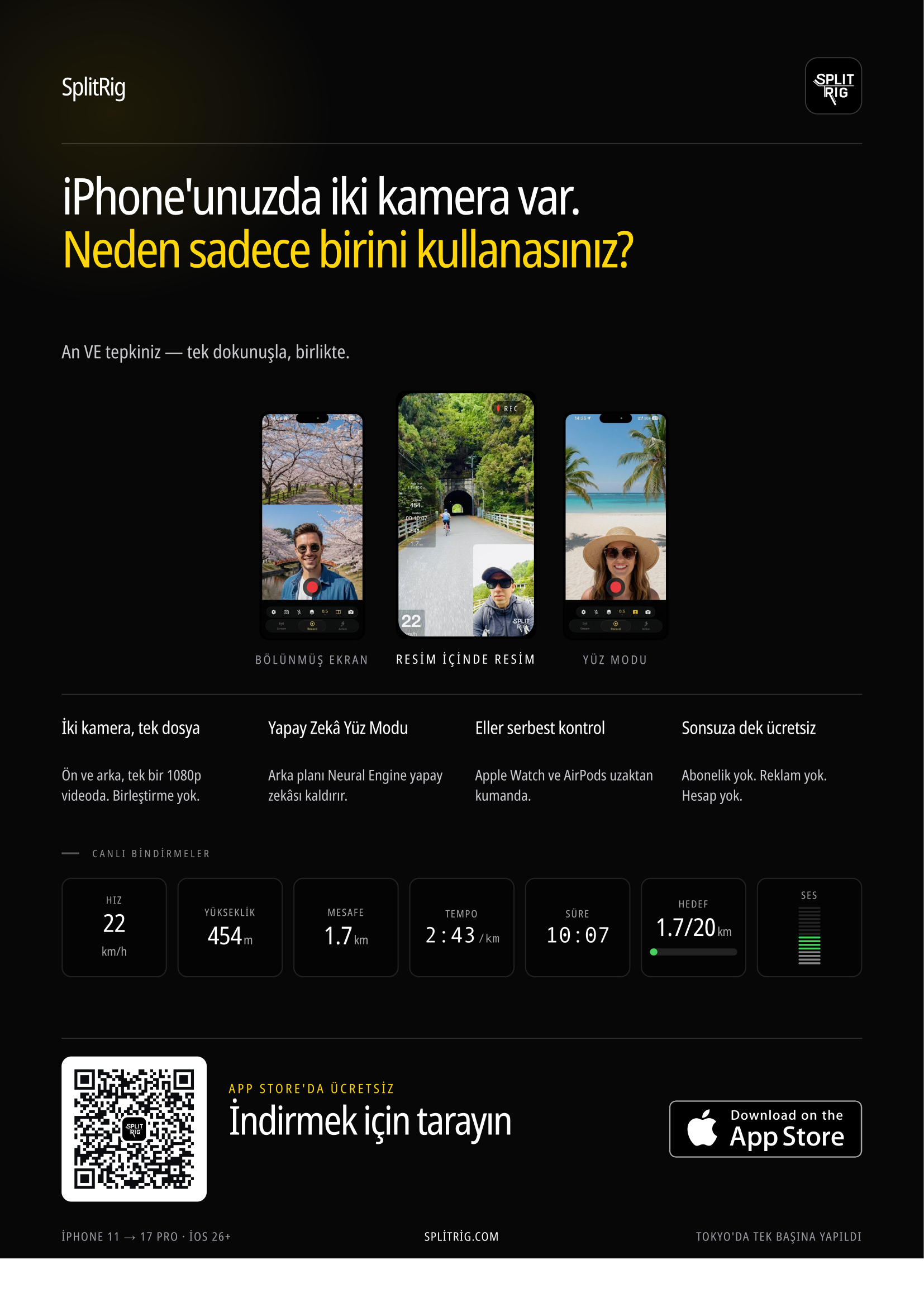
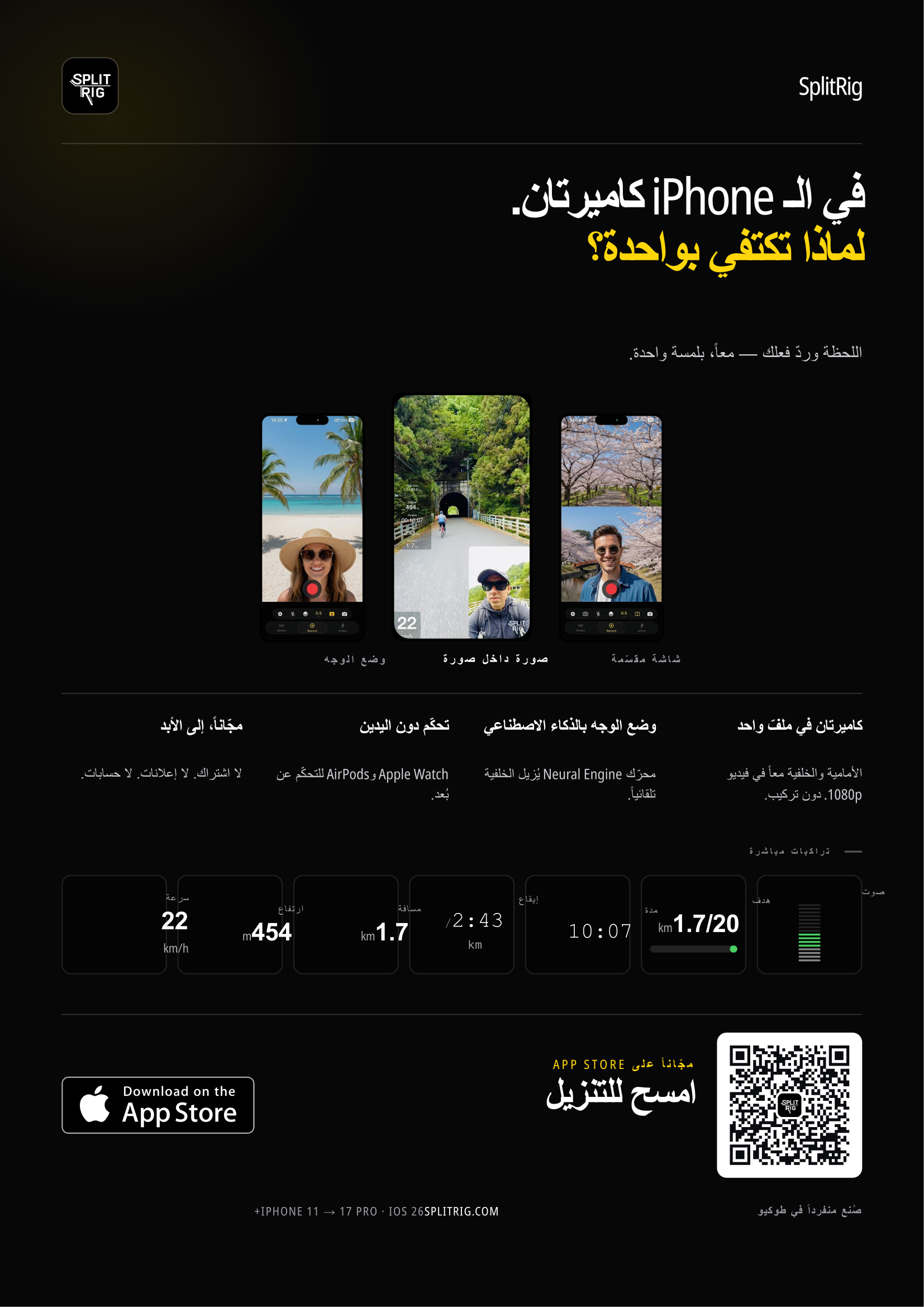
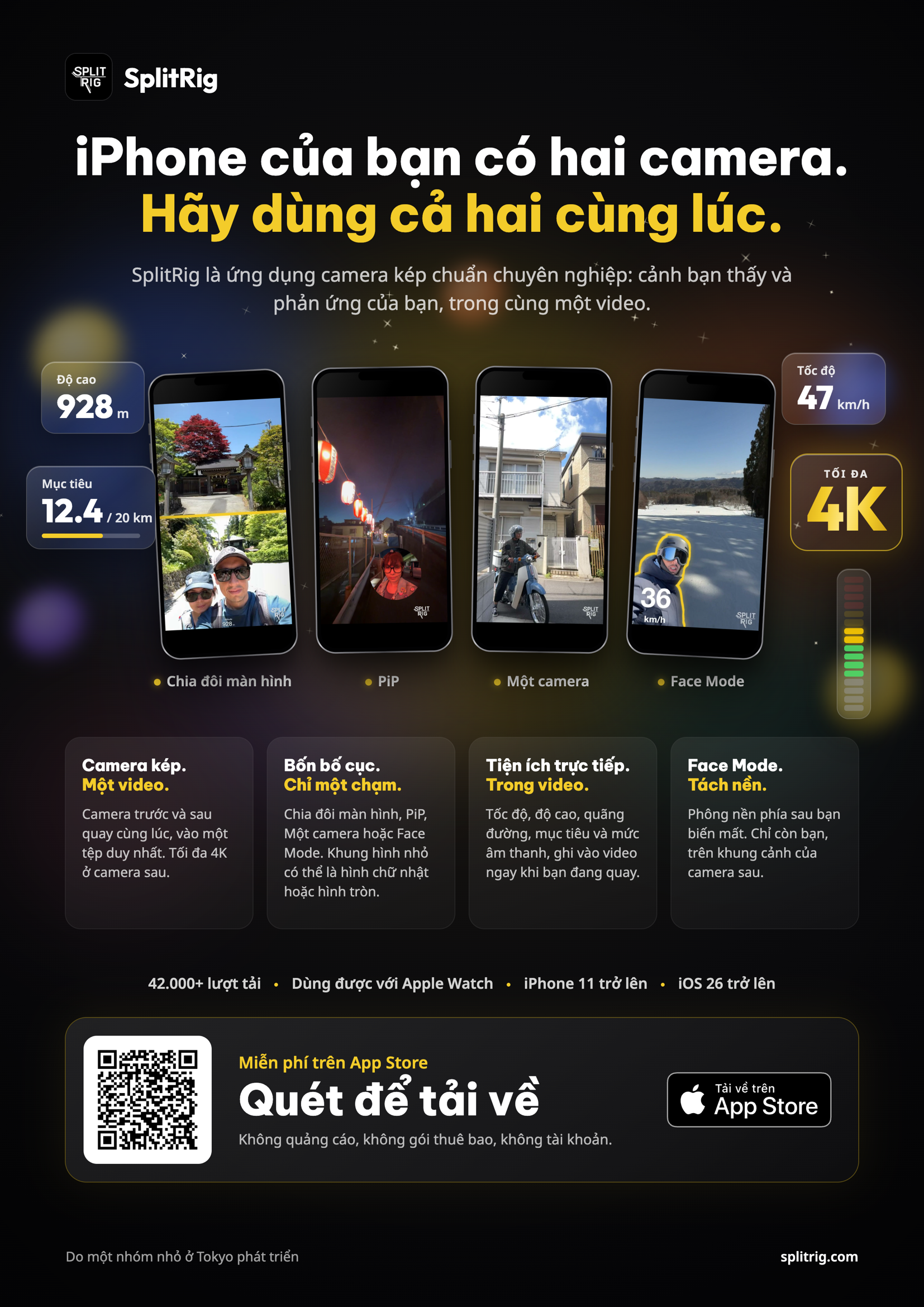
Need a locale we don't ship? Email us, turnaround is usually 24h.
Boilerplate copy
Copy and paste, no permission needed.
50-word
SplitRig, a free iPhone app, records front and rear cameras at once: one video, up to 4K at 30 fps (rear, supported iPhones), 60 fps Action Cam, four layouts, live GPS overlays. No subscription, ads or account. iPhone 11 and later. Built in Tokyo by a small independent team.
200-word
SplitRig is a dual-camera recording app for iPhone, free on the App Store, that records the front and rear cameras at once into one ready-to-post HEVC video, with the rear camera in up to 4K (40 Mbps at 30 fps) on supported iPhones. Built for creators who shoot vlogs, react videos, action sports, and interviews, the app offers four layout modes (Picture in Picture, Split Screen, Single Camera, and a Face Mode that removes the user's background live on the iPhone's Neural Engine, with no green screen, or swaps in any photo as a virtual backdrop), eight overlay widgets baked into the recording: seven live metrics (GPS speedometer, distance, duration, altitude, pace, goal gauge, sound level) and the SplitRig logo, a built-in teleprompter that only the creator sees, an Apple Watch companion app, AirPods Camera Remote on iOS 26, and the Camera Control button on iPhone 16 and later. Action Cam records at 60 fps with the steadiest stabilization level SplitRig offers, and SplitRig supports every lens and zoom level of the iPhone, from 0.5x ultra wide to telephoto, on iPhones with those lenses. SplitRig runs on a smart recording engine, optimized with Apple's native camera features to give the best professional performance possible, and saves each video as it records. SplitRig has no in-app purchases, no subscription, no ads, no account requirement, and no recording time limit. It runs on every iPhone from iPhone 11 on (iOS 26 or later) and is built in Tokyo by a small independent team.
Quotes you can lift
Single-sentence pull quotes, factually checked. Use any of these verbatim in coverage.
-
SplitRig records both iPhone cameras into one ready-to-post video, with every feature free: no subscription, no ads, no account, and no in-app purchases. The only branding is an optional SplitRig logo, removable free in one tap.
-
SplitRig combines simultaneous dual-camera recording with live GPS speed, distance, altitude, pace, and goal overlays baked into the saved video file, free on iPhone.
-
While Apple's built-in Dual Capture mode only works on iPhone 17 and later, SplitRig brings four-layout dual-camera recording to every iPhone from iPhone 11 onward.
-
SplitRig records the rear camera in up to 4K (40 Mbps at 30 fps) inside one dual-camera video on supported iPhones, on a smart recording engine optimized with Apple's native camera features, with no recording time limit.
-
Built in Tokyo by a small independent team, Claudia Marrot and Yav, with no investors and no growth team, SplitRig stays free because the cost to run it is small and the value of being the genuinely free option in the category is large.
Press contact
Coverage requests, interview asks, embargoed previews, all welcome.
hello@splitrig.comResponse time typically within 24 hours.
Made by a small team in Tokyo.For creators who don't compromise.
No subscriptions, no ads, no accounts, and the price stays zero. The next time the moment matters, hit record once and capture every angle.