Creator Hub
Playbooks, tutorials, and gear notes for creators who shoot front-and-rear at the same time.
- Comparison

The Best Dual Camera App for iPhone (Free, Every iPhone 11 to 17)
Looking for the best dual camera app for iPhone? SplitRig records both cameras at once, free, on every iPhone from iPhone 11 to iPhone 17 Pro. Here is how it stacks up, plus exactly what works on your model, whether you have an iPhone 11, 13, 14, 16, or 17.
Read article 8 min read - Comparison
The Best Free Dual-Camera App for iPhone (No Subscription, Logo Off in One Tap)
Looking for a free dual camera app for iPhone? Here is what "free" actually means in this category, which apps charge for what, and how SplitRig stays free with every feature unlocked on every iPhone from iPhone 11 up.
Read article 6 min read - Tutorial
How to Record Both Cameras on iPhone at Once (Free)
Record both iPhone cameras at the same time into one synced video, free, no editing, no subscription. Works on the iPhone you already have, from iPhone 11 up.
Read article 5 min read - Comparison
Best free dual-camera app for iPhone 17 Pro
SplitRig is the most complete free option: it records front and rear in one video, with four layout modes, no ads, no subscription, and no time limit.
Read article 6 min read
- Tutorial
How to remove your background while recording on iPhone
Face Mode removes your background on-device and overlays just your face on the rear-camera footage, no green screen.
Read article 3 min read - Performance
iPhone vlogging without overheating: the actual settings
Adaptive frame-rate throttling, the right thermal envelope, and the settings that actually move the needle.
Read article 5 min read - TikTok
Best dual-camera app for TikTok react videos on iPhone
How creators capture reactions and source footage at the same time on iPhone, without editing.
Read article 6 min read - Instagram
How to record Instagram Reels with split screen on iPhone
Two cameras, one Reel. The fastest way to a side-by-side video on iPhone, with no editor.
Read article 5 min read - Explainer
Can iPhone Record the Front and Back Camera at the Same Time? (Every iPhone, 2026)
Yes. Every iPhone from iPhone 11 up can record the front and back cameras at the same time. Here is how it works, which models do it built-in, which need a free app, and how to save a dual-camera video you can post anywhere.
Read article 4 min read - TikTok
How to Do Dual Camera on TikTok (iPhone, 2026)
Find TikTok's Dual Cam effect, see how it differs from Live mode and iPhone 17 Dual Capture, and record a dual-camera video you own and can post to TikTok, Reels, and YouTube.
Read article 3 min read - Instagram
Instagram Dual Camera Missing? How to Record One (2026)
Can't find Instagram's dual camera? You're not alone. As of mid-2026 many people report Instagram's Dual is missing or hard to find, with no official word either way. Here is the reliable way to record a dual-camera video and post it to Reels.
Read article 3 min read - Snapchat
Snapchat Dual Camera on Android or an Older iPhone (2026)
Snapchat's Dual Camera is real, but it needs iPhone XS or later and reportedly hasn't shipped on Android, and the video stays inside Snapchat. Here is how to record a dual-camera video you own and can save straight to Photos.
Read article 3 min read - Telegram
Does Telegram Have Dual Camera? Yes, in Stories (2026)
Yes, Telegram has a real dual camera, but only in Telegram Stories, which are ephemeral, and auto-saving your own is a Premium feature. Round video messages are single-camera. Here is how to record a dual-camera video you keep and can send in any chat.
Read article 3 min read - Tutorial
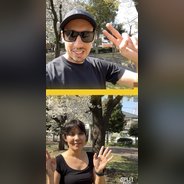
Split Screen Camera on iPhone: Record Both Cameras Side by Side (Free)
Want a split-screen camera on iPhone that records both cameras side by side at the same time? SplitRig does it free, in one take, no editing. Here is how the split-screen layout works, why the stock Camera app cannot do it, and how it compares to Apple Dual Capture and DoubleTake.
Read article 6 min read - Action Sports
iPhone vlogging app for action sports: snowboarding, cycling, running
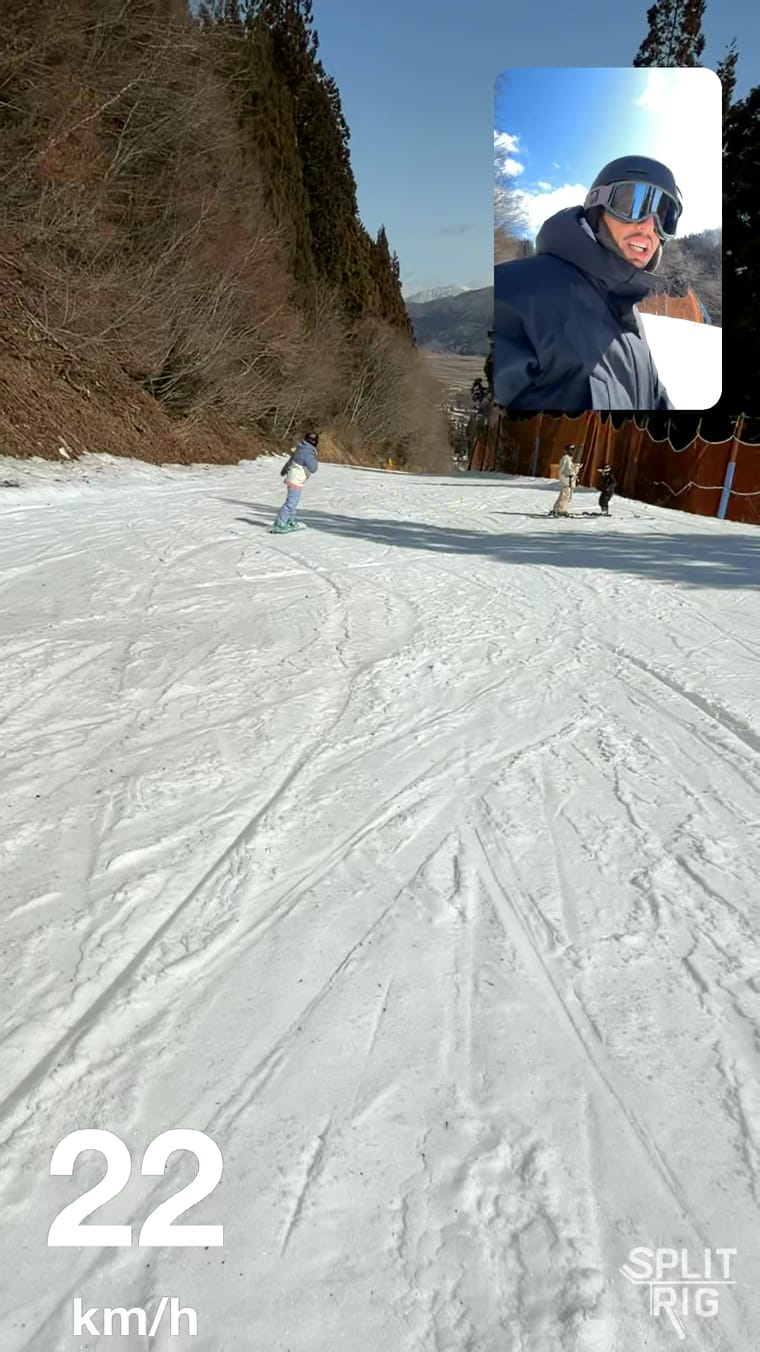
A free iPhone app that handles speed, motion, and thermal load for outdoor creators.
Read article 7 min read - Cycling
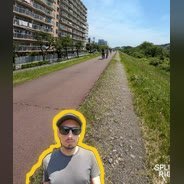
Best speedometer overlay app for cycling videos on iPhone
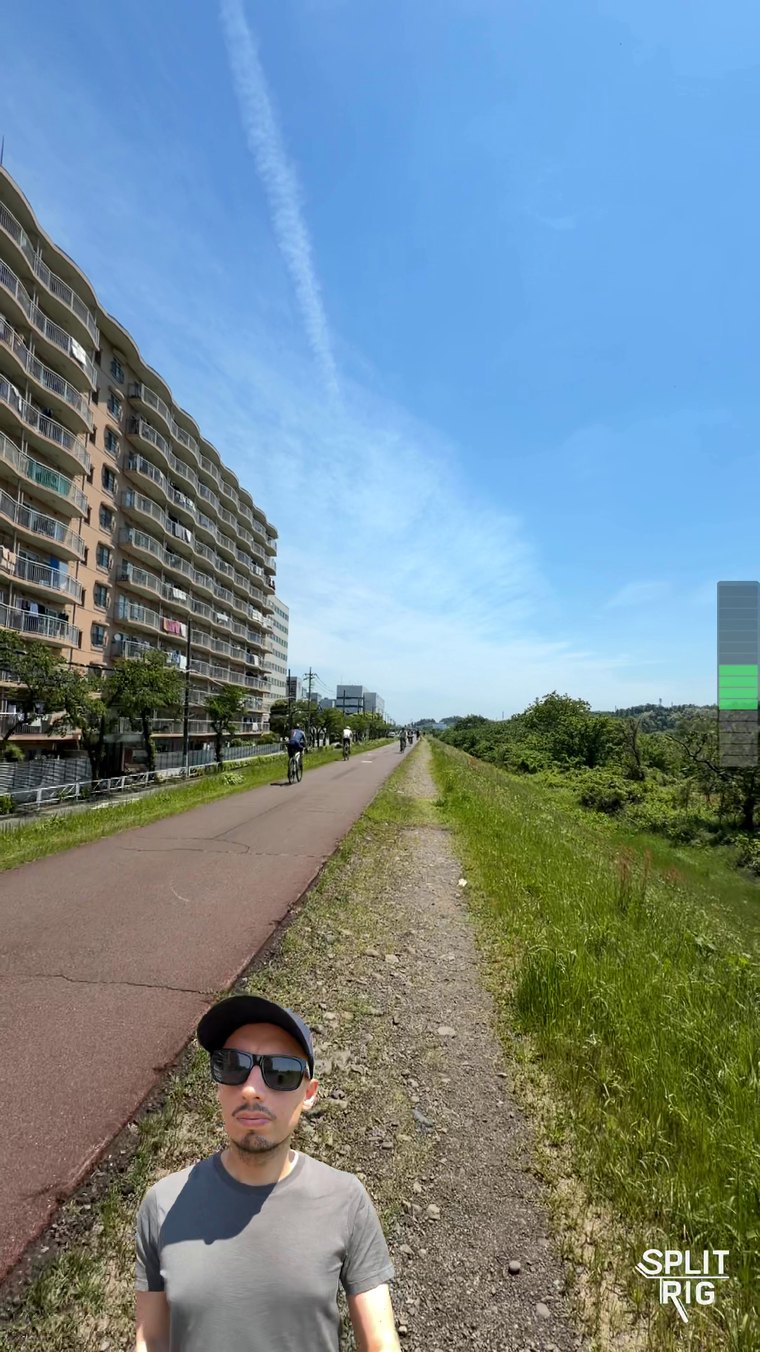
Real-time GPS speed, distance, altitude: baked into your cycling videos in one tap.
Read article 5 min read - Driving
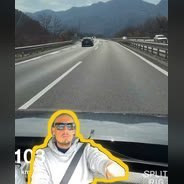
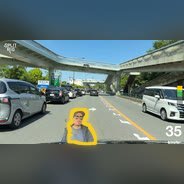
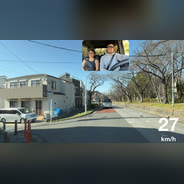
iPhone Dashcam App with a Speed Overlay: Record the Road and You (Free)
A free iPhone dashcam-style app that records the road and the cabin at once, in one synced video, with your live GPS speed baked in. Works on the iPhone you already own, from iPhone 11 up. On-device, no account.
Read article 7 min read - Motovlog
The Best Motovlog Camera App for iPhone (Free, with Live GPS Speed)
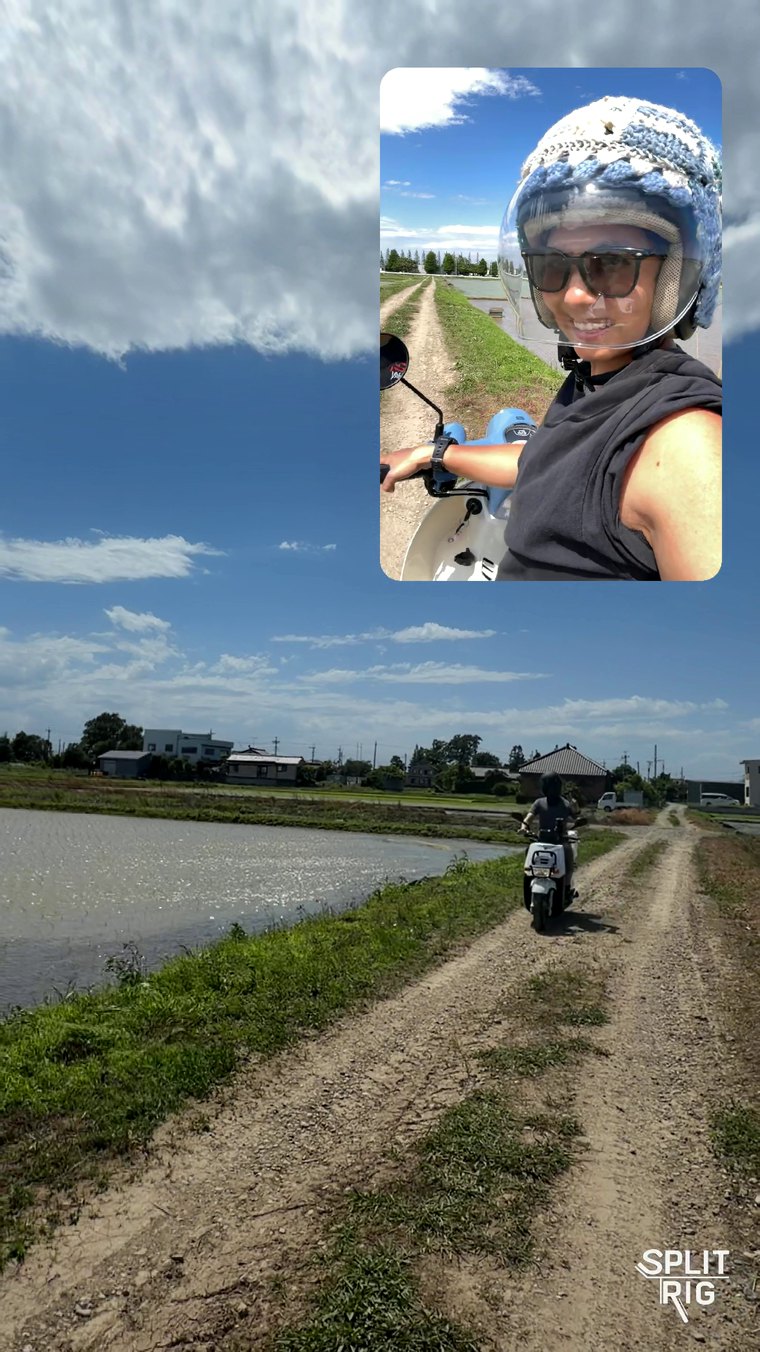
Turn the iPhone you already own into a motovlog rig: your face and the road ahead in one synced video, with live GPS speed baked in. Free, on-device, glove- and helmet-friendly, from iPhone 11 up.
Read article 7 min read - Running
Add a Live Pace Overlay to Your Running Videos on iPhone (Free)
Bake your real-time pace, distance, and a goal bar straight into your running videos as you run, and record your face plus the route ahead in one synced video. Free, on-device, iPhone 11 and up.
Read article 7 min read - Gear
Best gimbal for iPhone dual-camera recording (2026 SplitRig guide)
Three gimbals matched to how you actually record: DJI Osmo Mobile 8 for running, snowboarding, and skiing; Insta360 Flow 2 Pro for recording other people; Hohem iSteady M7 for high-impact mounted setups. Pick by activity, not by spec sheet.
Read article 8 min read - Gear
Best microphones for iPhone dual-camera recording in 2026
DJI Mic 3, the new DJI Mic Mini 2, Rode Wireless Pro, Rode Wireless Micro, and AirPods on iOS 26: five picks, tested with SplitRig dual-camera recording.
Read article 6 min read
Built by one developer. For creators who don't compromise.
No subscriptions, no ads, no accounts, and the price stays zero. The next time the moment matters, hit record once and capture every angle.