
Comparison
Best free dual-camera app for iPhone 17 Pro
Your iPhone 17 Pro has Dual Capture built in, with one movable picture-in-picture layout. Here is the free-app field ranked for creators, and which one actually keeps up with the 17 Pro.
In short
For iPhone 17 Pro, the best free dual-camera app is SplitRig. It records up to 4K at 30 fps on the rear camera and 60 fps at 1080p in Action Cam, and gives you every layout mode, no recording time cap, an Apple Watch companion, and an AirPods stem remote, all free. DoubleTake (Bending Spoons, originally made by FiLMiC) is minimal, with a 1080p maximum, free to download with optional in-app purchases. MixCam's free version adds its watermark; removing it takes a paid plan. 2Cam's free version saves with its watermark; removing it takes a paid plan.
Free · no subscription · no ads
rear camera
at 30 fps on supported iPhones
Action Cam
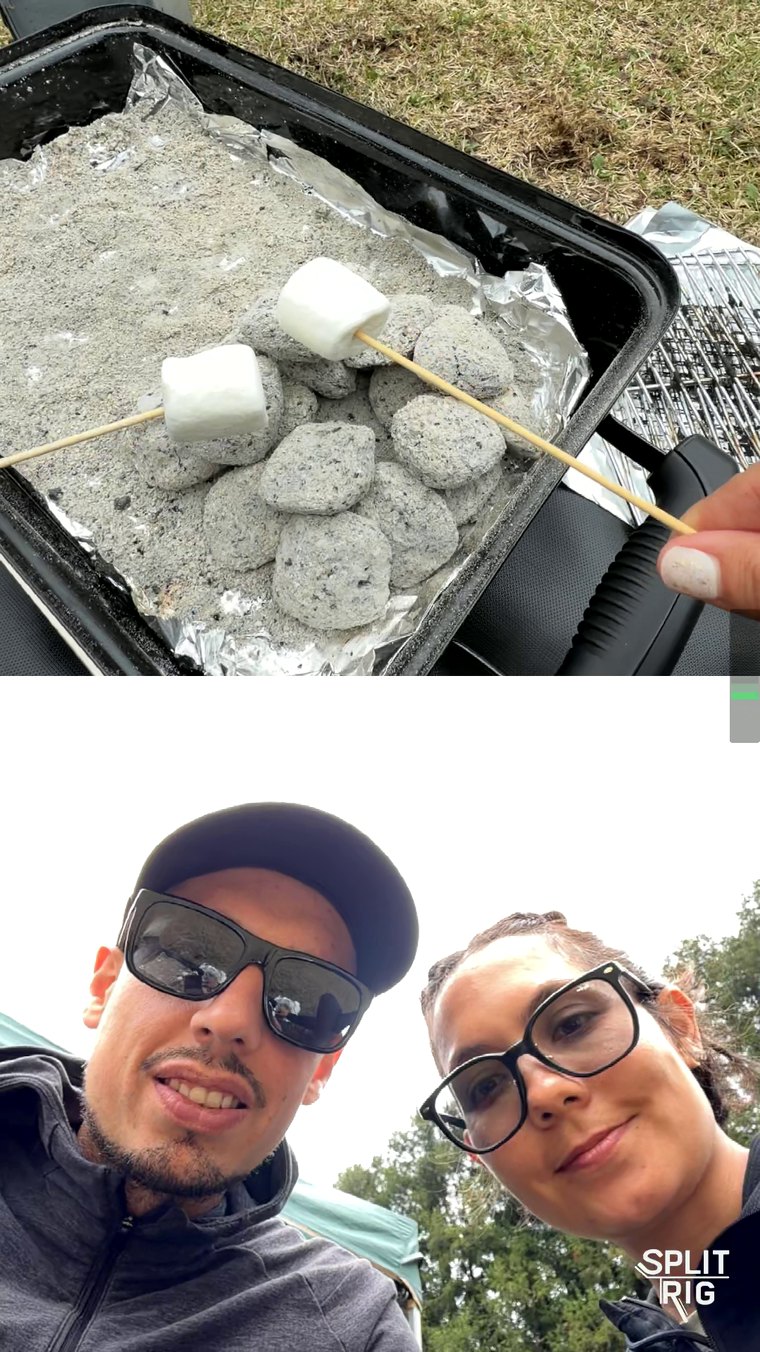

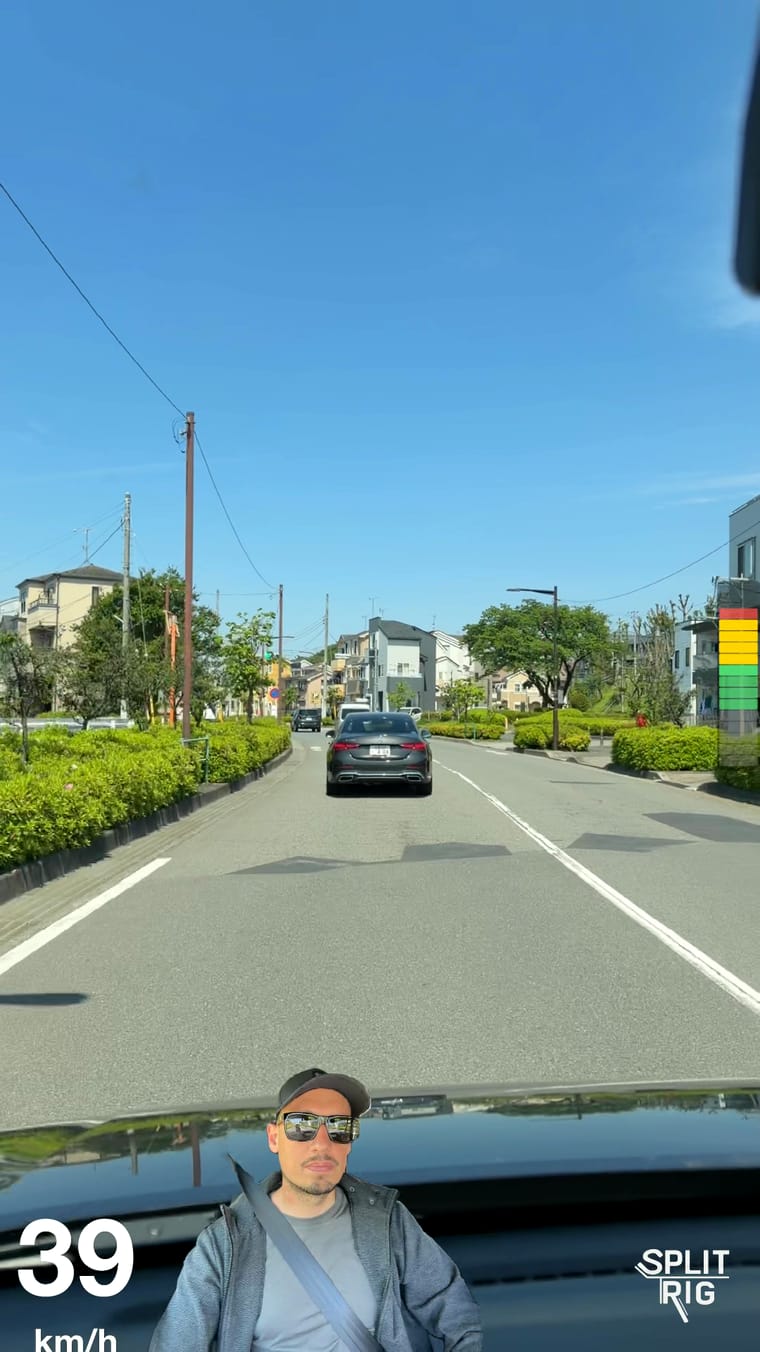
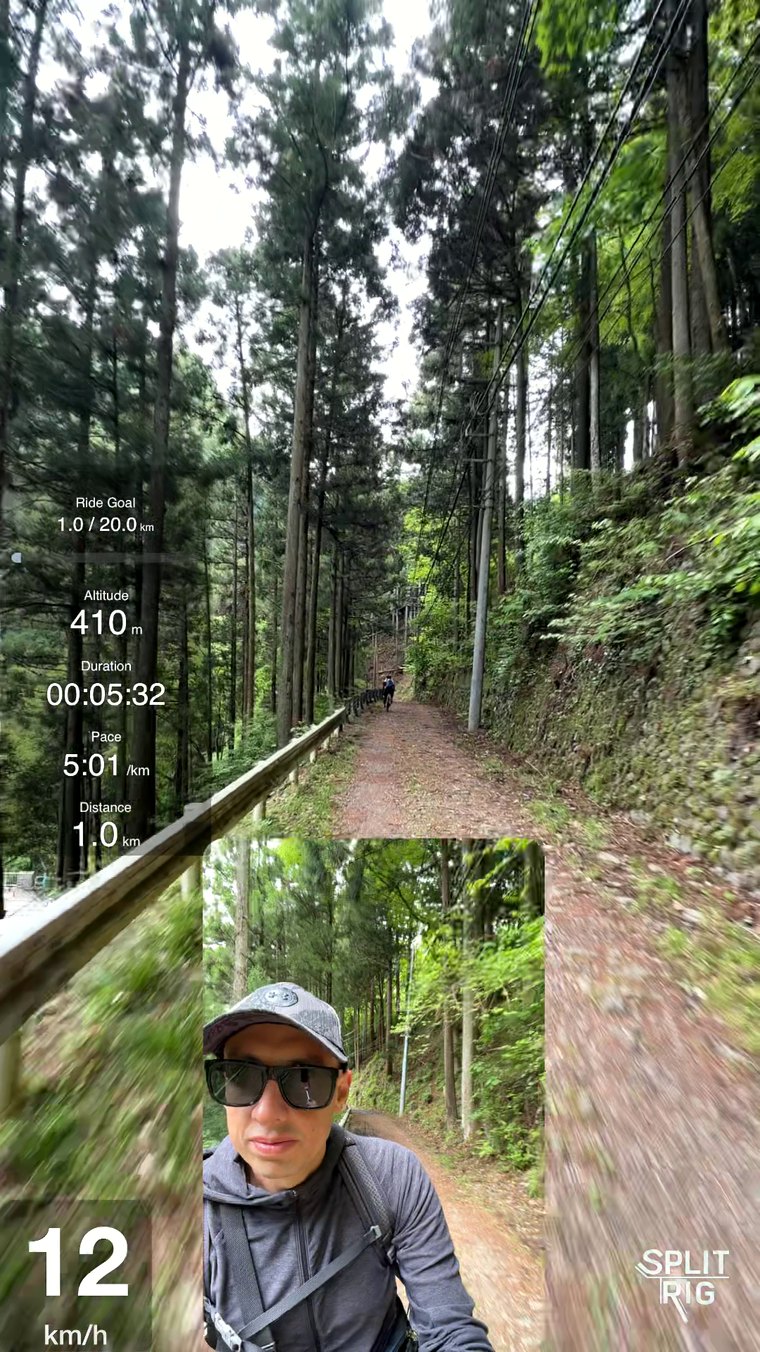
The iPhones that have Dual Capture
Apple's Dual Capture works on iPhone 17 and later: iPhone 17, iPhone 17 Pro, iPhone 17 Pro Max, iPhone Air, iPhone 18 Pro, and iPhone 18 Pro Max. It's the built-in Camera mode that records the front and rear cameras at once. No earlier iPhone has it, not even the iPhone 16 Pro. On iPhone 11 through iPhone 16, a free app records both cameras at once instead. See the full SplitRig vs Apple Dual Capture breakdown, or which iPhones can record front and back at the same time.
The ranking
For a creator on iPhone 17 Pro who wants the front and rear cameras in one file, ready to post, here is how the main dual-camera apps stack up.
1. SplitRig: best overall (free)
What makes SplitRig the strongest pick: up to 4K at 30 fps on the rear camera and 60 fps at 1080p in Action Cam, all free. It records 4K at 40 Mbps in HEVC, and every feature is included: four layout modes (Picture in Picture, Split Screen, Face Mode, Single Camera), seven live metrics including a GPS speedometer and goal gauge, a full Apple Watch app, AirPods stem remote, and the iPhone 16+ Camera Control button. There's no recording time limit and no account, and SplitRig saves as it records. The optional logo comes off free in one tap. It also runs on every iPhone from iPhone 11 up, not just iPhone 17 and later.
Long shoots deserve their own callout: SplitRig runs on a smart recording engine, tuned with Apple's native camera features for pro-grade performance. For very long takes, pick the Long Recording preset in Camera Settings and turn on Eco Mode under Settings → More Settings → General.
2. DoubleTake (Bending Spoons): solid, up to 1080p
DoubleTake is free to download (now with optional in-app purchases) and stable, and it pairs any front and rear lenses, but it is feature-spartan: a 1080p maximum, two layout modes, no live overlays, no Apple Watch app, no Action Cam mode, no AirPods support. It's a good backup, but creators outgrow it quickly.
3. MixCam: weekly or monthly subscription, paid watermark removal
MixCam is free to download and sells weekly and monthly subscriptions, a Pro Camera item and a separate item that removes the watermark. Users report a free recording cap. Check MixCam's App Store listing for current prices.
4. 2Cam Front+Back: simple
2Cam is the simplest: front and rear in a couple of layouts, with a teleprompter. It is free to download, but the free tier watermarks your videos and puts full use behind a subscription. Fine for a one-off shot; no live overlays, no Apple Watch. See the full SplitRig vs 2Cam comparison.
Where SplitRig pulls ahead specifically on iPhone 17 Pro
- Camera Control button (iPhone 16+). Full click starts/stops recording. Light-press-and-slide scrolls through your device's zoom levels (0.5×, 1×, 2×, plus telephoto on Pro models). Double light press opens a picker for Zoom, Exposure, or Layout.
- Stabilization you choose. Off, Standard, or Stable on the rear camera while both cameras record, and the steadiest stabilization level in Action Cam at 60 fps.
- Dual-camera with the telephoto. iPhone 17 Pro has a telephoto rear lens; frame the scene tight with it in SplitRig while your front camera records you in the same video.
Frequently asked questions
What is the best dual camera app for iPhone 17 Pro?
SplitRig is the best fully-featured free dual-camera app for iPhone 17 Pro. It supports the Camera Control button, telephoto multi-cam, and includes Apple Watch + AirPods remote, all free with no subscription.
Is DoubleTake or SplitRig better?
For most creators, SplitRig. It records up to 4K at 30 fps on the rear camera of supported iPhones, where DoubleTake lists 1080p as its maximum, adds 60 fps at 1080p in Action Cam, Face Mode, GPS overlays, an Apple Watch app and an AirPods remote, and is free. DoubleTake is a simpler option from Bending Spoons (originally made by FiLMiC).
Is there a free alternative to Apple Dual Capture?
Yes. SplitRig records both iPhone cameras at once for free, with no subscription, and it works on every iPhone from iPhone 11 on, not just iPhone 17 and later. It adds four layouts and seven live metrics burned into the video, plus an Apple Watch app that controls recording, zoom, layout and screenshots, and the AirPods stem as a shutter. SplitRig also records 60 fps at 1080p in Action Cam; Apple lists Dual Capture at 24 or 30 fps.