SplitRig — dual camera app for iPhone SplitRig

Comparison

SplitRig vs 2Cam Front+Back

The simplest free option vs the most full-featured free option. Different jobs.

TL;DR

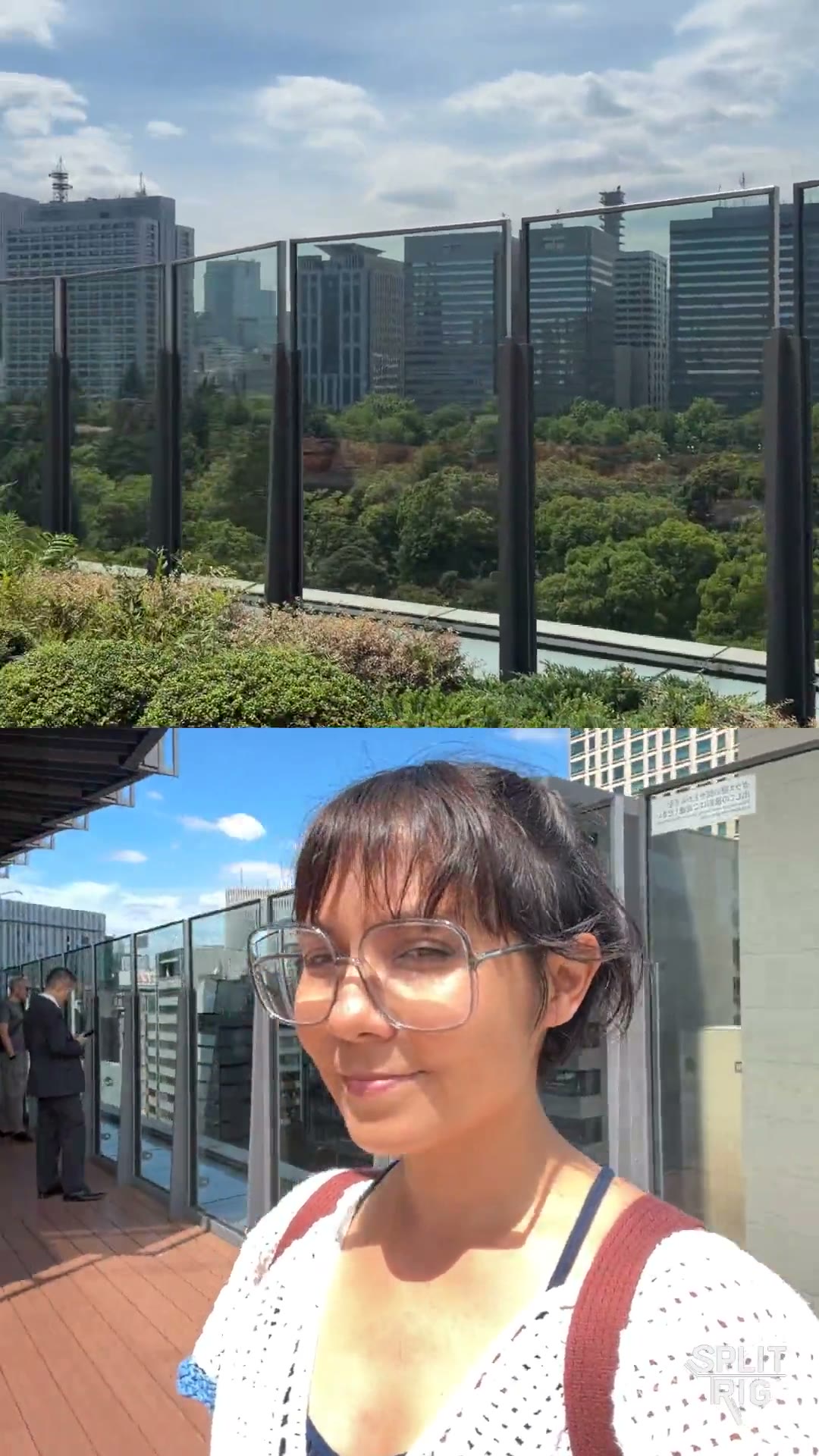
2Cam Front+Back is the simplest dual-camera iPhone app — just front and rear in two windows, a couple of layouts, ad-supported. Fine for a one-off shot. SplitRig is built for creators who record more than occasionally: four layout modes (including Face Mode background removal), eight live overlays, Action Cam at 60 fps, Apple Watch + AirPods remote, hardware button shutter. Both free, but SplitRig has no ads and dramatically more features.

Feature
SplitRig
2Cam Front+Back
Price
Free, no ads, no IAP
Free with ads
Layout modes
4 (PiP, Split Screen, Single, Face Mode)
2 basic layouts
Background removal
Face Mode — Neural Engine on-device
No
Action Cam mode (60 fps + stabilization)
Yes
No
Live overlays
8 (GPS speed, distance, altitude, pace, goal, sound, watermark, duration)
None
Apple Watch companion
Yes
No
AirPods Camera Remote
Yes
No
iPhone 16 Camera Control button
Full integration
No
Thermal management
Iron Stream — scales gracefully
No
Recording time limit
None
Limited on free tier
Onboarding simplicity
Tap layout → record
Tap → record (slightly fewer choices)

Where SplitRig pulls ahead

  • No ads. 2Cam shows ads between shots, breaking flow.
  • Four layout modes including Face Mode background removal. 2Cam offers two basic layouts.
  • Eight live overlay widgets baked into the recording. 2Cam offers none.
  • Apple Watch + AirPods remote control for hands-free recording.
  • Action Cam mode at 60 fps with Cinematic Extended stabilization for high-motion content.

Where 2Cam Front+Back has the edge

Being honest builds trust. Here's where the other app does it better.

  • Slightly faster onboarding for someone who has never recorded dual-camera before — fewer settings to encounter on the first shot.
  • If you genuinely only need a single one-off PiP recording and will never use the app again, 2Cam's footprint is smaller.

Common questions

Both SplitRig and 2Cam are free. What's the difference?
Ads and feature scope. 2Cam Front+Back shows ads and offers two basic layouts with no extras. SplitRig has zero ads, four layouts (including Face Mode background removal), eight live overlays (GPS speed, distance, altitude, pace, goal, sound, watermark, duration), an Apple Watch companion app, AirPods Camera Remote, and active thermal management. All free, no IAP, no subscription.
Does SplitRig record dual-camera as fast as 2Cam?
Yes. Same one-tap capture flow. The first launch is one tap to grant camera permission, one tap to pick a layout, and record. After the first session SplitRig remembers your preferred layout. Both apps are equally fast to a first recording; SplitRig just keeps going where 2Cam stops.
When would I still pick 2Cam over SplitRig?
If you genuinely need a single one-off front+rear recording, will not use the app again, and are fine with the ad, 2Cam has a slightly smaller install footprint. For anything beyond a one-time shot, the gap in features (and the absence of ads) makes SplitRig the better long-term choice.

Pick SplitRig if

You're a creator. You want zero ads, four layouts (including AI background removal), live overlays, hardware button + Apple Watch shutter, and active thermal management — all free.

Pick 2Cam Front+Back if

You truly only need a one-time front+rear recording, and you're fine with ads.

Built by one developer. For creators who don't compromise.

No subscriptions, no ads, no accounts — and the price stays zero. The next time the moment matters, hit record once and capture every angle.