
Explainer
Can iPhone record the front and back camera at the same time? Yes, free
Apple's Dual Capture, a free app, or a social app's dual mode: which one works on your iPhone, what each one saves, and how to get one dual-camera video you can post anywhere.
In short
Yes. On iPhone 17 and later, Apple's built-in Dual Capture records the front and rear cameras at the same time in one picture-in-picture video. On any iPhone 11 and later, SplitRig records both cameras at once for free, with four layouts. TikTok, Instagram, Snapchat, and Telegram also have their own dual-camera modes, but each stays inside that app.
Free · no subscription · no ads
rear camera
at 30 fps on supported iPhones
Action Cam

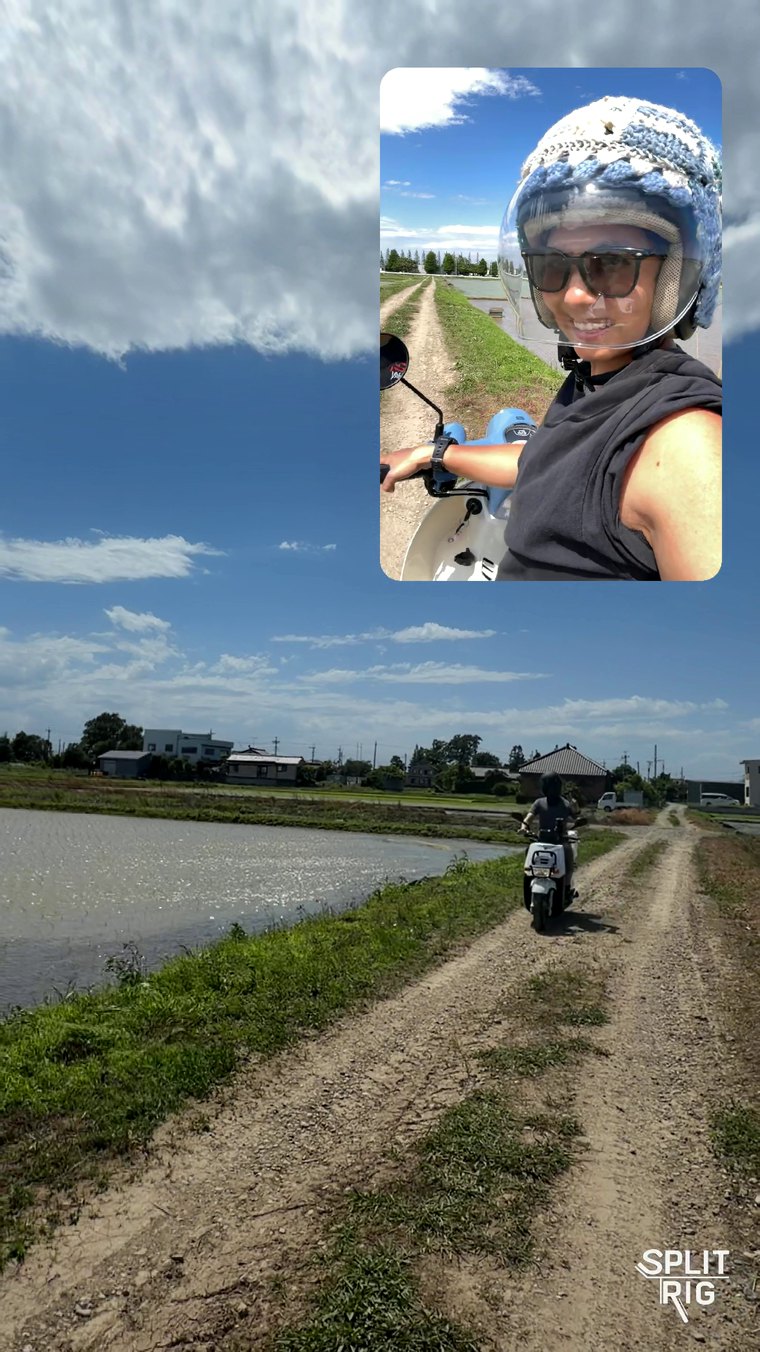
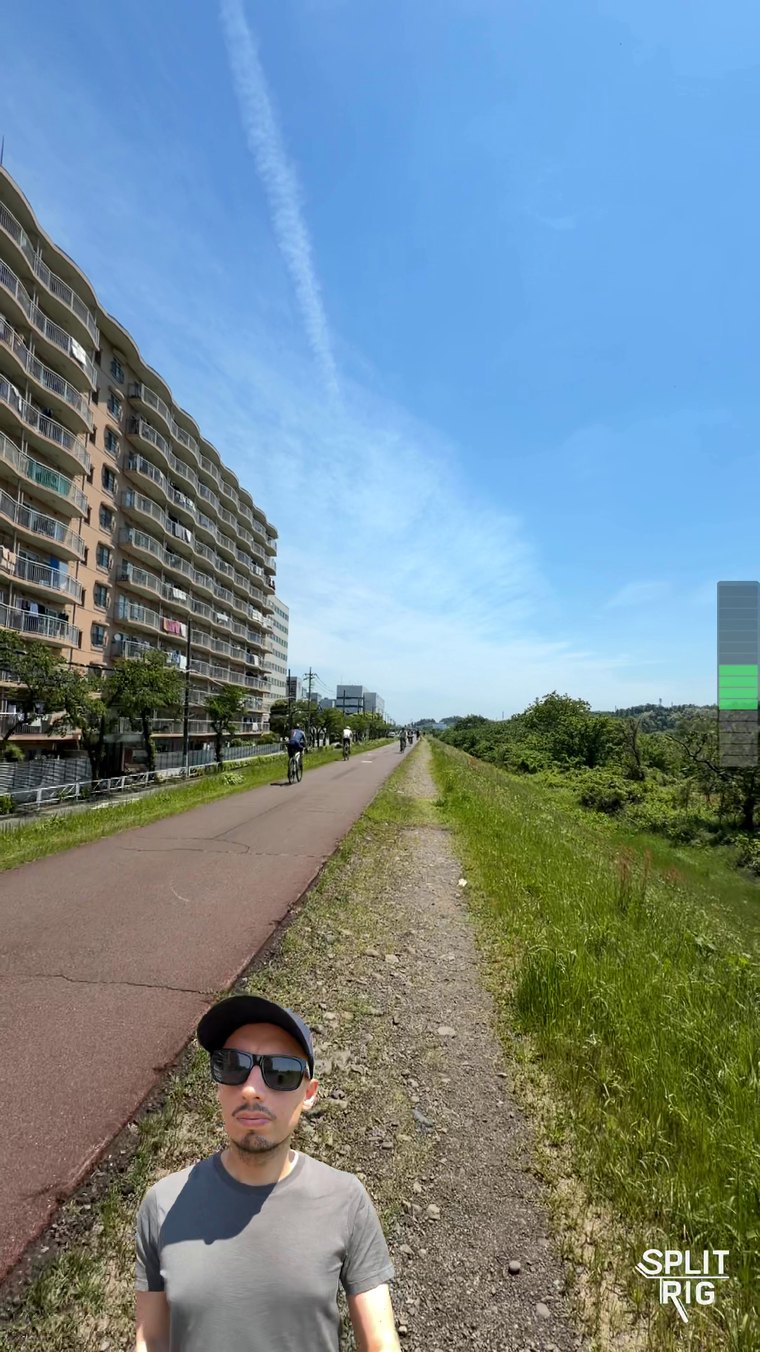
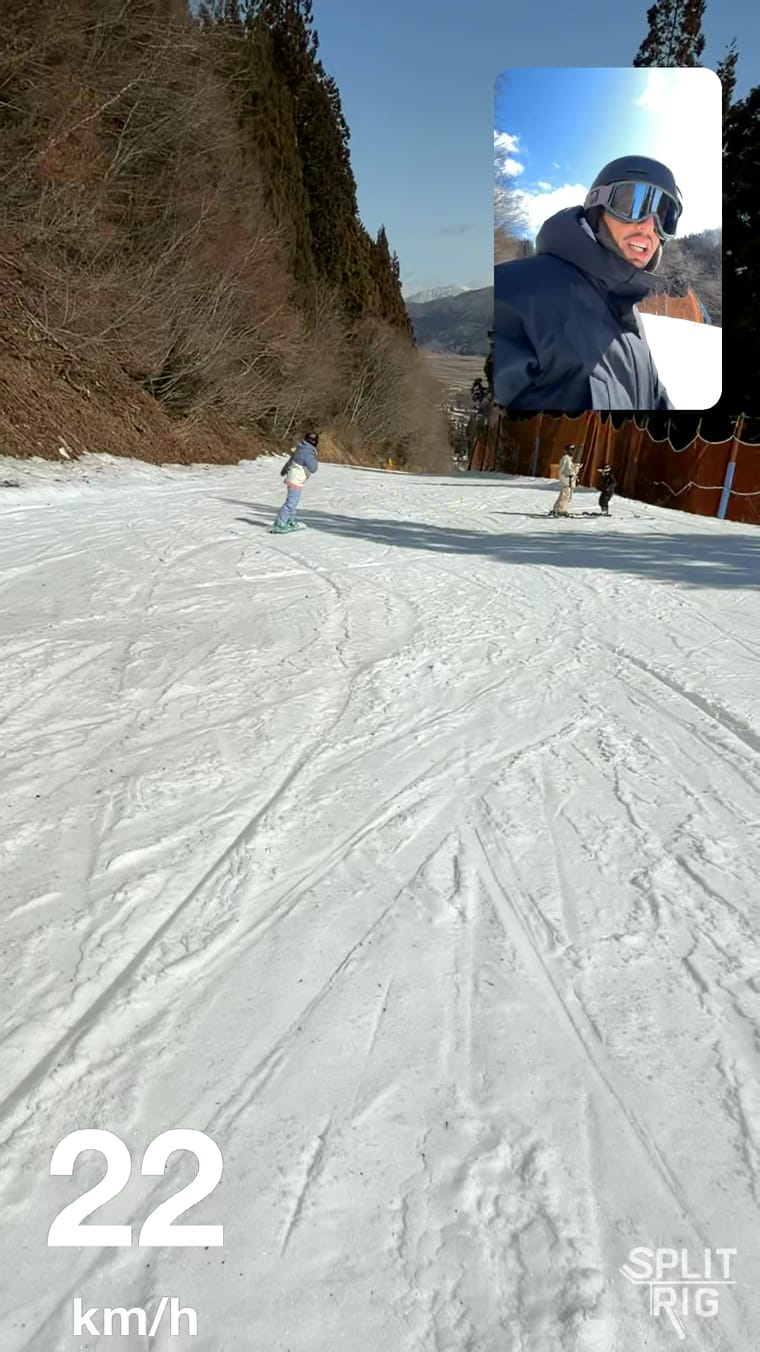
Using the front and back camera at the same time on iPhone
SplitRig records the front and rear cameras into one video saved to your Photos, so you own it and can post it anywhere: TikTok, Reels, YouTube Shorts, or just keep it. It is 100% free, no account, on every iPhone from iPhone 11 on.
- Install SplitRig free and allow camera and microphone access.
- Pick a layout: Picture in Picture, Split Screen, Face Mode, or Single Camera.
- Tap record. Both cameras save as one synced video, no editing.
Switch layouts mid-shot, bake in live GPS speed overlays, and control it hands-free from an Apple Watch or AirPods. Get SplitRig free on the App Store.
Every way to record front and back at once
Each option records both cameras. What differs is whether you get a reusable video you own.
| Option | Reusable video you own? | Which iPhones | Cost |
|---|---|---|---|
| SplitRig | Yes, one file in your Photos | iPhone 11 and later | Free, no account |
| TikTok Dual Cam effect | A clean 1080p clip you save | iPhone (in TikTok) | Free (TikTok account) |
| Instagram Dual | Made for Reels/Stories | Reels/Stories (many report missing 2026) | Free |
| Snapchat Dual Camera | Export to Memories | iPhone XS or later | Free |
| Telegram Dual (Stories) | Stories only (auto-save Premium) | Selected devices | Free |
| Apple Dual Capture | Yes, to Photos | iPhone 17 and later | Free (built in) |
Each social app's mode is built to post inside that app. A standalone recorder like SplitRig hands you the file itself, so one recording works everywhere. Go deeper on TikTok, Instagram, Snapchat, Telegram, the best app per model, or the split-screen layout.
Check your iPhone model
- iPhone 11 and later (iOS 26 or later): SplitRig, free, with four layouts.
- iPhone 17 and later: Apple's built-in Dual Capture too, in one picture-in-picture layout.
- iPhone XS, XS Max, XR and older: these cannot run iOS 26, so SplitRig will not install; an older-iOS app like DoubleTake is the route there.
Which iPhones have Apple's Dual Capture?
iPhone 17 and later, currently iPhone 17, iPhone 17 Pro, iPhone 17 Pro Max, iPhone Air, iPhone 18 Pro, and iPhone 18 Pro Max. Apple's built-in Dual Capture is the one stock-Camera way to record front and back at once. Not even the iPhone 16 Pro has it, and it records in one movable picture-in-picture layout. On every iPhone from iPhone 11 through iPhone 16, a free app fills the gap: SplitRig records both cameras into one video and gives you four layouts to pick from. See the full SplitRig vs Apple Dual Capture breakdown.
Does iPhone Dual Capture record video on both front and rear cameras?
Yes, video, not just photos: Dual Capture records both cameras into one synced video saved to Photos, in its picture-in-picture layout. For a step-by-step walkthrough on any iPhone from 11 up, see how to record dual camera on iPhone.
Frequently asked questions
Can an iPhone record the front and back camera at the same time?
Yes. Every iPhone from iPhone 11 onward can record both cameras at once. The stock Camera app does it only on iPhone 17 and later; on iPhone 11 through 16 you use a free app like SplitRig, which saves both cameras as one synced video to your Photos.
Which iPhones can record both cameras at once?
iPhone 11 and later, the models that run iOS 26. iPhone XS, XS Max, and XR cannot run iOS 26, so SplitRig is not available on them (an older-iOS app like DoubleTake is the route there). Apple's built-in Dual Capture is limited to iPhone 17 and later; a free app covers every model from iPhone 11 up.
How do I record front and back at the same time on iPhone?
Install SplitRig free, grant camera and microphone access, pick a layout (Picture in Picture, Split Screen, Face Mode, or Single Camera), and tap record. Both cameras save as one synced video in your Photos, with no editing. In Picture in Picture or Split Screen, the rear camera records in up to 4K on supported iPhones.
Can the stock iPhone Camera app do it?
Only on iPhone 17 and later, with Apple's Dual Capture mode, and it is a single picture-in-picture layout. On iPhone 11 through 16 the stock Camera app does not record both cameras at once, so you use an app.
Do TikTok, Instagram, Snapchat, and Telegram have dual camera?
Yes, each has its own dual-camera mode, built for posting inside that app: TikTok has a Dual Cam effect, Instagram launched a Dual mode in 2022 though many users report it is currently missing, Snapchat has Dual Camera, and Telegram has a dual camera in Stories. If you want a full dual-camera recorder you own, with live overlays, Apple Watch and AirPods control, four layouts, and no account needed, record it with a dedicated app like SplitRig.
Is there a free way to record both iPhone cameras at once?
Yes. SplitRig records the front and rear cameras together into one synced video, free, with no subscription, no in-app purchases, no ads, and no account. It works on every iPhone from iPhone 11 on. The small SplitRig logo is optional and turns off free in one tap.
Does recording both cameras save one video or two?
With SplitRig it is one synced video file. Both feeds are composited into a single recording as it happens, so there is nothing to line up or edit afterward.
Can FaceTime use both cameras at the same time?
iOS 27 added a dual-camera option to FaceTime, but that is a live-call feature and it does not save a video. To record a front-and-back video you can keep, use a recorder like SplitRig.
Related: How to do dual camera on TikTok · Instagram dual camera missing or disappeared? · Snapchat dual camera on Android or an older iPhone · Does Telegram have dual camera? · How to record both cameras on iPhone at once · Best dual camera app for iPhone · Split screen camera on iPhone · Best dual camera app for iPhone 17 Pro · Features