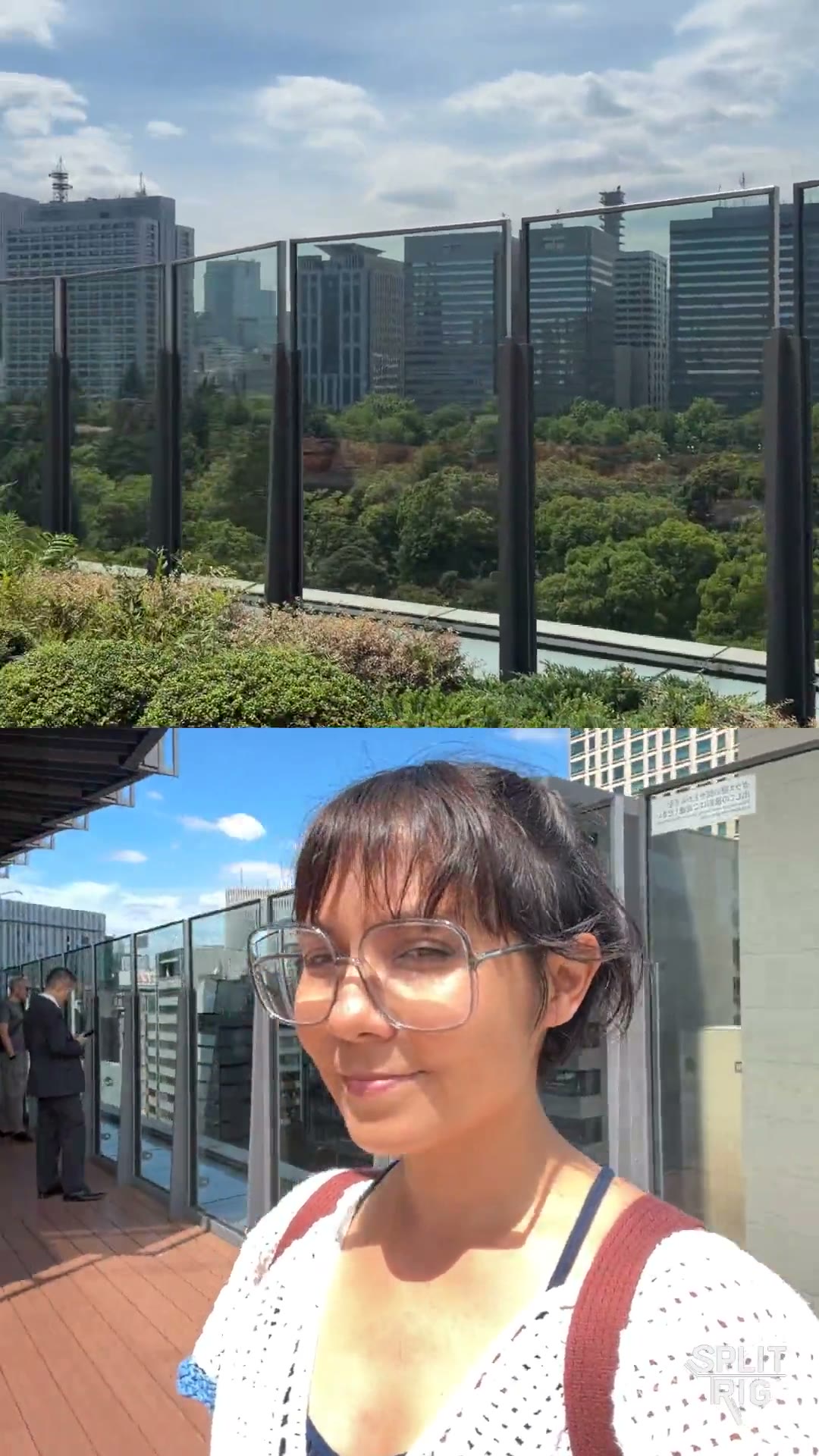
SplitRig — dual camera app for iPhone SplitRig

Comparison

SplitRig vs DoubleTake

Two free dual-camera iPhone apps, very different scopes. Here's the honest breakdown.

TL;DR

For most creators, SplitRig is the stronger free pick: four layout modes (vs two), eight live overlays (vs none), Action Cam at 60 fps, Apple Watch + AirPods remote, active thermal management, and the iPhone 16 Camera Control button. DoubleTake from FiLMiC Pro is reliable but minimal — two layouts, no extras. If you need a stable, no-frills front-and-rear shot in one tap, DoubleTake is fine. If you record more than once a month, you'll outgrow it within a week.

Feature
SplitRig
DoubleTake
Layout modes
4 (PiP, Split Screen, Single, Face Mode)
2 (PiP, Split Screen)
Background removal (no green screen)
Yes — Face Mode (Neural Engine)
No
Live overlays baked into recording
8 (speed, distance, altitude, pace, goal gauge, sound level, watermark, duration)
None
Action Cam mode (60 fps + Cinematic Extended)
Yes
No
Apple Watch companion app
Full control (record, layout, zoom, screenshot)
No
AirPods Camera Remote (iOS 26 + H2)
Yes
No
iPhone 16 Camera Control button
Full integration
Basic shutter only
Thermal management
Iron Stream — scales 30→24→20→15 fps
Hard cutoff
Recording time limit
None
None
Watermark on output
Optional (off by default)
None
Price
Free, no IAP, no ads
iOS support
iOS 26+ (iPhone 11–17 Pro)
iOS 13+ (broader range)
Brand affiliation
Indie (built solo in Tokyo)
FiLMiC Pro / featured by Apple

Where SplitRig pulls ahead

  • Face Mode background removal — DoubleTake has no equivalent. For talking-head + B-roll content, this single feature replaces a green screen setup.
  • Live GPS speedometer + altitude + distance overlays baked into the recording. DoubleTake has zero overlays.
  • Apple Watch companion app — start, stop, change layout, zoom from your wrist. Critical for cyclists, runners, snowboarders.
  • Active thermal management. DoubleTake hard-stops when the iPhone gets warm; SplitRig scales the frame rate gracefully and keeps recording.
  • Action Cam mode at 60 fps with the most aggressive stabilization Apple's API offers.

Where DoubleTake has the edge

Being honest builds trust. Here's where the other app does it better.

  • Reliability of a major brand. FiLMiC Pro / DoubleTake has been around since iOS 13 and is featured by Apple. If "stable + Apple-blessed" matters more than features, it earns trust.
  • Slightly broader iOS version support — DoubleTake runs on older iPhones than SplitRig's minimum (iPhone 11 / iOS 26).
  • If you only need to record front + rear once or twice a month for casual use, DoubleTake's simpler interface has a shorter learning curve.

Common questions

Is SplitRig free like DoubleTake?
Yes. SplitRig is fully free with no in-app purchases, no ads, no subscription, no account, and no forced watermark. Every layout mode, every live overlay, the Apple Watch companion, and the AirPods Camera Remote are unlocked at first launch. Same free as DoubleTake, with more features.
Why use SplitRig instead of DoubleTake?
DoubleTake offers two layouts (PiP and Split Screen) and nothing else. SplitRig adds two more layouts (Single, and Face Mode with Neural Engine background removal), eight live overlays baked into the recording (GPS speed, distance, altitude, pace, goal gauge, sound level, watermark, duration), a full Apple Watch companion app, AirPods Camera Remote, iPhone 16 Camera Control button integration, and an Iron Stream thermal governor that keeps recording where DoubleTake hard-stops.
Does SplitRig work on the same iPhones as DoubleTake?
SplitRig requires iOS 26 (iPhone 11 through iPhone 17 Pro). DoubleTake supports older versions of iOS. If you are running iOS 13 to 25, DoubleTake is your option. On iOS 26 and a modern iPhone, SplitRig is the broader feature set.

Pick SplitRig if

You record dual-camera regularly, you're a creator (vlogging, action sports, react content, interviews), or you want any of: live overlays, Apple Watch control, thermal-resilient long sessions, Face Mode background removal, or hardware-button shutter.

Pick DoubleTake if

You only need front + rear in one tap, occasionally, with no extras — and brand trust outweighs feature breadth.

Built by one developer. For creators who don't compromise.

No subscriptions, no ads, no accounts — and the price stays zero. The next time the moment matters, hit record once and capture every angle.