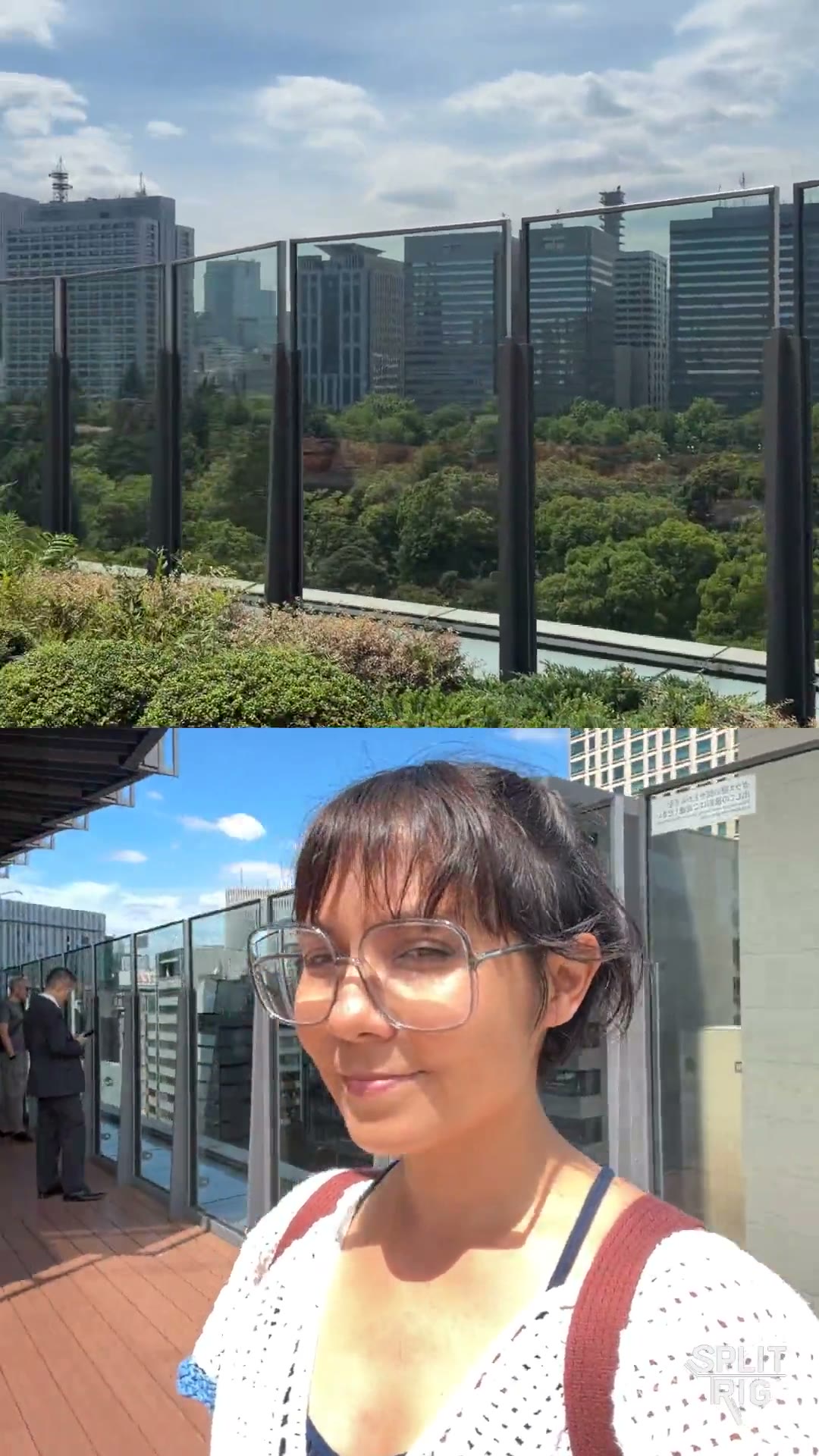
SplitRig — dual camera app for iPhone SplitRig

Comparison

SplitRig vs Detail

Two very different tools for the same first step: recording both iPhone cameras at once.

TL;DR

Detail is an AI-first multi-camera recorder and editor for iPhone, iPad, and Mac. Its free tier records unlimited multi-camera video, but every export carries a watermark, and the AI editing suite (captions, auto-clips, AI framing, podcast auto-editing) is locked behind a €5.83/month subscription. SplitRig is a free, iPhone-only dual-camera recorder with no watermark, no subscription, and no AI editor. It's a lean recording app with eight live GPS / metrics overlays, an Apple Watch companion, AirPods Camera Remote, four layouts including on-device Face Mode background removal, and active thermal management. Pick Detail if you want an AI editor and don't mind the subscription. Pick SplitRig if you want the cleanest free recording with no watermark and no upsell.

Feature
SplitRig
Detail
Price
Free — no IAP, no ads, no subscription
Free with watermark · Pro €5.83/mo or €70/year
Watermark on free exports
None (optional, off by default)
Forced on free tier
Recording time on free tier
Unlimited
Unlimited
Layout modes
4 (PiP, Split Screen, Single, Face Mode)
Multi-camera + green-screen layouts
Background removal (no green screen)
Face Mode — Neural Engine on-device
Live green-screen (free tier)
Live GPS speedometer / distance / altitude overlays
8 overlays baked into recording
Not offered
Apple Watch companion app
Full control (record, layout, zoom)
Not offered
AirPods Camera Remote (iOS 26 + H2)
Yes
Not offered
iPhone 16 Camera Control button
Full integration
Basic shutter
Thermal management
Iron Stream — scales 30→24→20→15 fps
Standard cutoff
AI captions / auto-clips / podcast auto-edit
Not offered (recorder, not editor)
Pro subscription
AI framing for the perfect shot
Not offered
Pro subscription
Native Mac + iPad apps
iPhone only
Yes (separate subscription)
Account required
No
Yes
Privacy
Fully on-device — video and location never leave the iPhone
Cloud-assisted features require uploads

Where SplitRig pulls ahead

  • No forced watermark on free exports. With Detail, every free video carries a Detail watermark; SplitRig's watermark is off by default and entirely optional.
  • Live GPS overlays (speed, distance, altitude, pace, goal gauge, sound level) baked into the recording. Detail offers none of these at any tier.
  • Apple Watch companion app + AirPods Camera Remote + iPhone 16 Camera Control hardware shutter. Detail offers none of these.
  • Lean and fast. SplitRig is a recorder, not an AI editor. The app launches straight into the camera; no AI processing pipeline, no account flow, no upsell.
  • Fully on-device privacy. SplitRig records and saves locally; nothing is uploaded. Detail's AI features and account sync require cloud.

Where Detail has the edge

Being honest builds trust. Here's where the other app does it better.

  • AI editing suite. Detail Pro adds AI-generated captions, auto-clips, AI framing, podcast auto-editing, and customizable portrait filters. SplitRig does not edit, by design.
  • Native macOS and iPad apps. If you record on iPhone and edit on Mac in the same toolchain, Detail Studio fits that flow (separate subscription).
  • Live green-screen compositing in the free tier. A different approach to background work than SplitRig's on-device Face Mode segmentation.

Common questions

Is Detail's free tier really free for recording?
Yes. Detail's free tier records unlimited multi-camera video. The catch is that every exported video carries a Detail watermark; only the Pro tier (€5.83/month or €70/year) removes it. SplitRig is free with no watermark on exports.
Why use SplitRig instead of Detail?
If you only need to record (not AI-edit), SplitRig gives you a cleaner result for free: no watermark, no subscription, no account, no cloud uploads. It also offers things Detail does not: live GPS / speed / altitude / distance overlays baked into the recording, a full Apple Watch companion app, AirPods Camera Remote, and iPhone 16 Camera Control button integration.
Does SplitRig do AI editing like Detail Pro?
No. SplitRig is a recorder, not an editor, by design. It does not generate captions, auto-clips, reframe shots, or auto-edit podcasts. If those AI features are why you opened Detail, SplitRig will not replace them. If recording dual-camera with overlays is the job, SplitRig handles that for free without sending anything to the cloud.
Can SplitRig record on Mac or iPad like Detail Studio?
No. SplitRig is iPhone-only. That focus is intentional. It ships with deep integration of iPhone-specific hardware (Neural Engine, Camera Control button, dual rear lenses, the H2-chip AirPods remote) that a cross-platform app cannot match. Detail covers iPhone + iPad + Mac if you need a multi-device toolchain.

Pick SplitRig if

You want the cleanest free dual-camera recording: no watermark, no subscription, no account, no AI editor. You value live GPS / metrics overlays, Apple Watch control, and on-device privacy. You will edit (or not) in your own app.

Pick Detail if

You want an AI-first editor that handles captions, auto-clips, and reframe for you, and you are comfortable with a watermark on the free tier or with the €5.83/month Pro subscription. Or you specifically need native macOS + iPad apps in the same toolchain.

Built by one developer. For creators who don't compromise.

No subscriptions, no ads, no accounts — and the price stays zero. The next time the moment matters, hit record once and capture every angle.