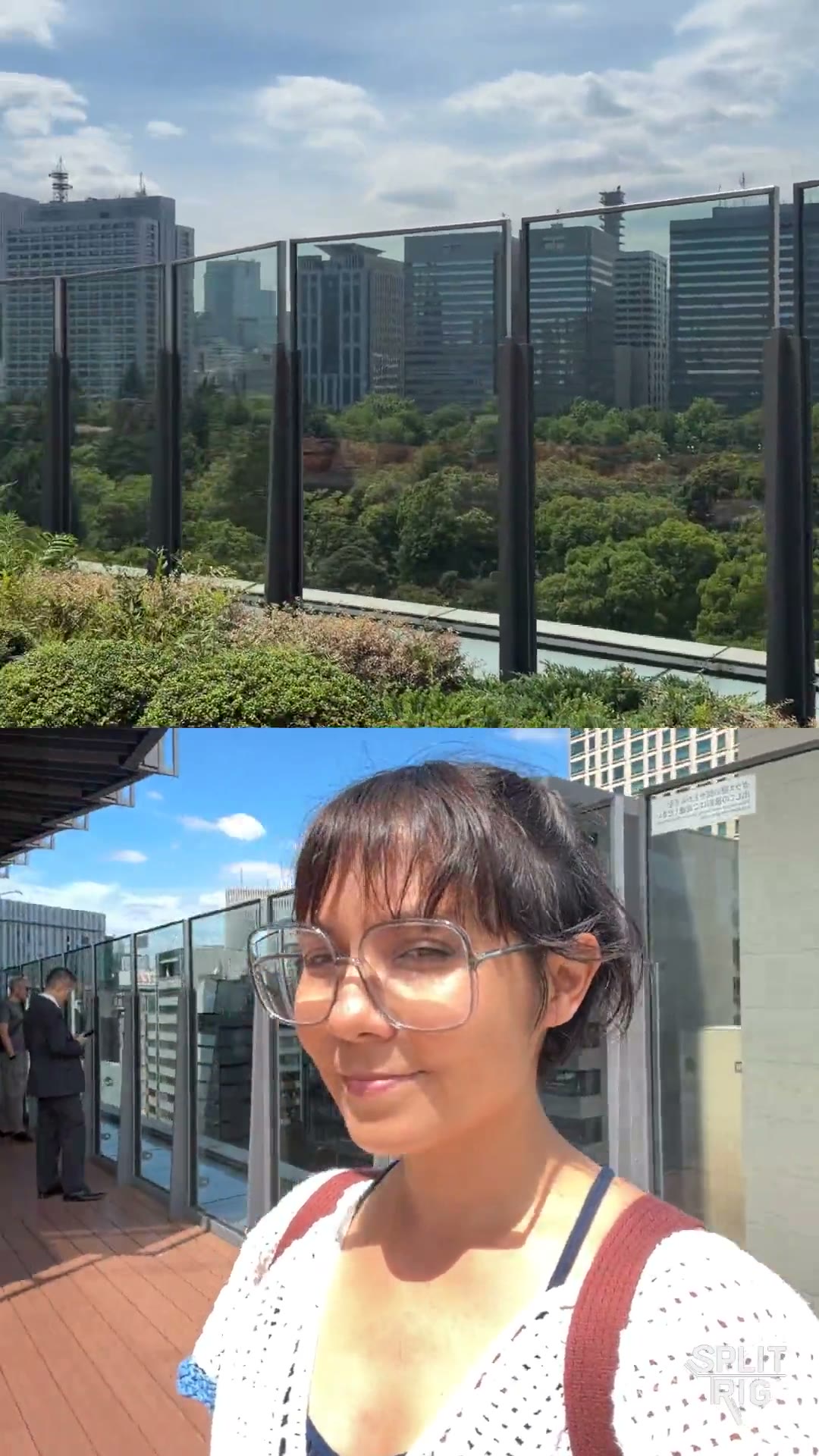
SplitRig — dual camera app for iPhone SplitRig

Comparison

SplitRig vs Apple Dual Capture

Apple's built-in Camera mode is iPhone-17-only and locked to picture-in-picture. SplitRig works on every iPhone you already own.

TL;DR

Apple's native Dual Capture, introduced with iOS 26 on the iPhone 17 lineup, records front and back cameras at the same time. It only works on iPhone 17, iPhone 17 Pro, iPhone 17 Pro Max, and iPhone Air, and only in a single locked picture-in-picture layout (small front overlay, large rear). It does record up to 4K and is built into the stock Camera app, which is hard to beat for convenience if you own one of those phones. SplitRig is the alternative for everyone else: it supports iPhone 11 through iPhone 17 Pro, offers four layout modes (PiP, Split Screen, Single, Face Mode background removal), eight live GPS / metrics overlays burned into the recording, an Apple Watch companion, AirPods Camera Remote, and an Iron Stream thermal governor. All free.

Feature
SplitRig
Apple Dual Capture
Supported iPhones
iPhone 11 → iPhone 17 Pro (iOS 26)
iPhone 17 / 17 Pro / 17 Pro Max / iPhone Air only
Price
Free — no IAP, no ads, no subscription, no account
Free — built into iOS
Install required
Yes — one App Store download
No — already on the phone
Layout modes
4 (PiP, Split Screen, Single, Face Mode)
1 (PiP only — locked)
Switch between feeds (front-large / rear-large)
Yes — any layout, any direction
No — front is always the small overlay
Split-screen layout
Yes
No
Background removal (no green screen)
Face Mode — Neural Engine on-device
No
Max recording resolution
Up to 4K depending on iPhone
Up to 4K (iPhone 17 line)
Live GPS speedometer / distance / altitude overlays
8 overlays baked into recording
None
Apple Watch companion app
Full control (record, layout, zoom)
No
AirPods Camera Remote (iOS 26 + H2)
Yes
No
Action Cam mode (60 fps + Cinematic Extended)
Yes
No
Thermal management
Iron Stream — scales 30→24→20→15 fps
Standard iOS Camera behavior
Output format
Single combined file

Where SplitRig pulls ahead

  • Works on iPhone 11 through iPhone 17 Pro. That's every iPhone you already own. Apple Dual Capture is locked to the iPhone 17 line (iPhone 17, 17 Pro, 17 Pro Max, iPhone Air).
  • Four layout modes including Split Screen (50/50), Single (one camera big), and Face Mode (Neural Engine background removal, no green screen). Apple Dual Capture is locked to a single picture-in-picture layout with the front camera as the small overlay.
  • Eight live overlays baked into the recording: GPS speed, distance, altitude, pace, goal gauge, sound level, watermark, duration. Apple Dual Capture has none.
  • Apple Watch companion app, AirPods Camera Remote, iPhone 16 Camera Control button integration. Apple Dual Capture is shutter-only inside the stock Camera app.
  • Iron Stream thermal governor keeps recording during long shoots by scaling the frame rate gracefully (30→24→20→15 fps) instead of hard-stopping. Critical for cycling, motovlog, action sports.

Where Apple Dual Capture has the edge

Being honest builds trust. Here's where the other app does it better.

  • Built into iOS Camera, with no install and no permissions to grant. It's already on the phone. For a single quick PiP clip on an iPhone 17 line device, this is the most convenient option that exists.
  • Native Apple integration: the same Camera app you already know, the same exposure / focus controls, the same file pipeline.
  • On iPhone 17 / 17 Pro / 17 Pro Max / iPhone Air, recording quality is fully Apple-tuned with no third-party layer in the path.

Common questions

Does Apple Dual Capture work on older iPhones like iPhone 15 Pro or iPhone 16 Pro?
No. Apple's native Dual Capture is limited to iPhone 17, iPhone 17 Pro, iPhone 17 Pro Max, and iPhone Air. On any older iPhone (including iPhone 15 Pro and iPhone 16 Pro), you need a third-party app like SplitRig to record front and back at the same time. SplitRig supports iPhone 11 through iPhone 17 Pro.
Why use SplitRig if I already have an iPhone 17?
Apple Dual Capture is locked to a single layout: small front camera over a large rear camera, with no option to switch. SplitRig gives you four layout modes (PiP either direction, Split Screen 50/50, Single, and Face Mode background removal), eight live overlays (GPS speed, distance, altitude, pace, goal, sound, watermark, duration), an Apple Watch companion, AirPods Camera Remote, and the Iron Stream thermal governor for long shoots.
Is SplitRig free like Apple Dual Capture?
Yes. SplitRig is fully free with no in-app purchases, no ads, no subscription, no account required, and no forced watermark. Every feature is unlocked from first launch. Apple Dual Capture is also free, but it is built into the iOS Camera app and not available on iPhones outside the 17 line.
Can SplitRig record in 4K like Apple Dual Capture?
Yes. SplitRig records at the maximum resolution your iPhone supports. The exact ceiling depends on the device (an iPhone 11 has different capture limits than an iPhone 17 Pro), but on every supported iPhone, SplitRig uses Apple's AVCaptureMultiCamSession at the highest preset the hardware allows.

Pick SplitRig if

You own anything from iPhone 11 through iPhone 16 Pro Max, OR you own an iPhone 17 line phone but need more than a locked PiP. For example: a Split Screen for an interview, Face Mode for talking-head content, or live GPS overlays for cycling / driving / running.

Pick Apple Dual Capture if

You own an iPhone 17, 17 Pro, 17 Pro Max, or iPhone Air, you only need a quick locked picture-in-picture clip with no extras, and you don't want to install another app.

Built by one developer. For creators who don't compromise.

No subscriptions, no ads, no accounts — and the price stays zero. The next time the moment matters, hit record once and capture every angle.